CRM and ERP integration: from quote to invoice
CRM ERP integration from quote to invoice: which data should flow, which system owns it, three ways to sync CRM and ERP, and the traps to avoid on the way.
 By Anass Chabbab · · 7 min read
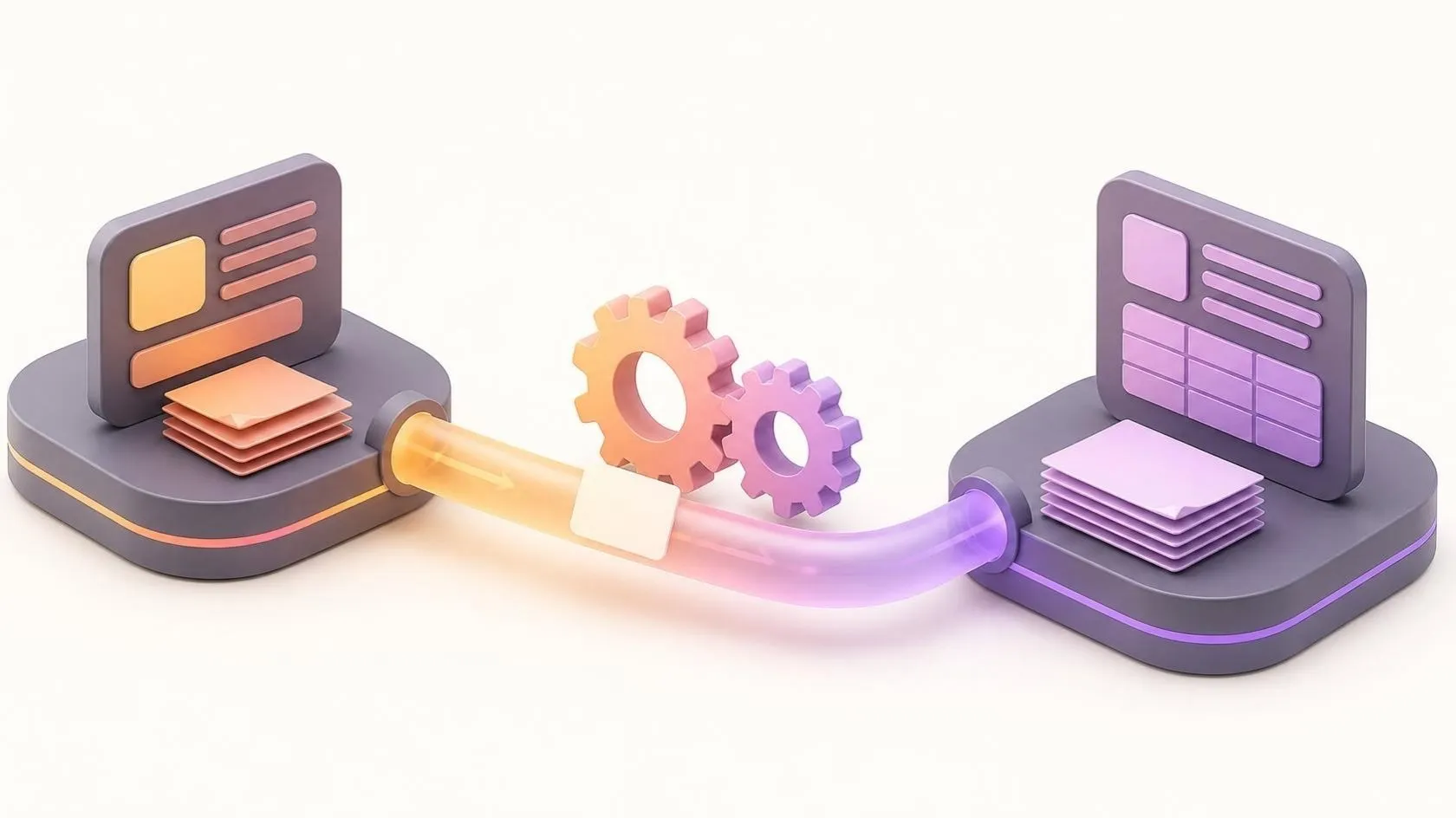
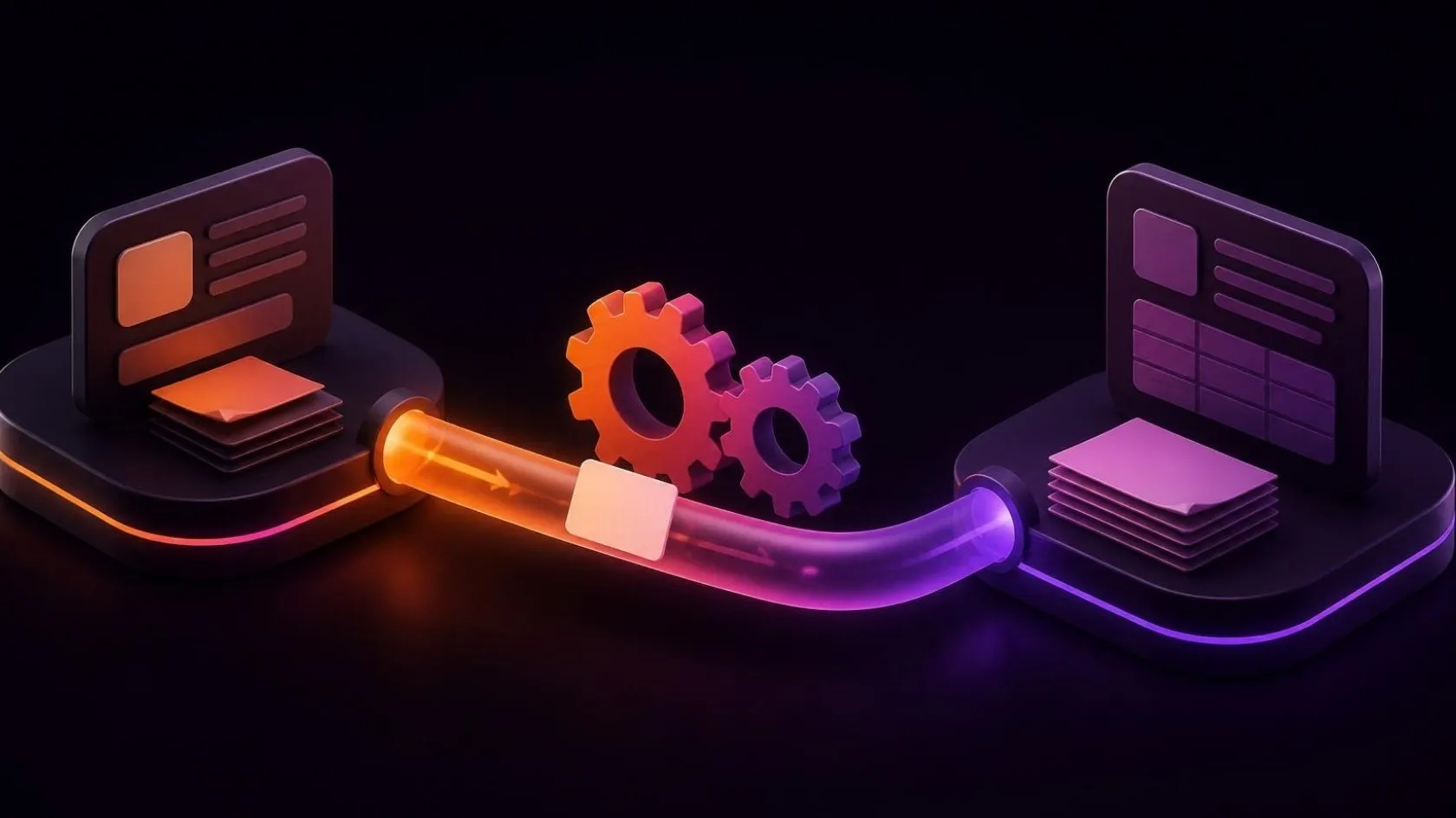
Your sales team builds quotes in the CRM (customer relationship management system). Once a customer signs, someone copies the details into the ERP (enterprise resource planning system) to create the order, then the invoice. A week later, a salesperson emails accounts to ask whether the customer has paid. Every copy is a chance for a typo, a wrong price or a forgotten discount.
CRM ERP integration removes that retyping: the two systems share the data they both need, and each stays in charge of its own part. This guide explains which data should flow from quote to invoice, which system should own each piece, the three ways to connect them, and the traps we see most often.
What CRM ERP integration does, from quote to cash
The two systems do different jobs. The CRM follows people and opportunities: leads, contacts, meetings, quotes and the sales pipeline. The ERP runs the business behind the sale: products, stock, orders, invoices, payments and the accounts.
The path between them is often called quote to cash: a quote becomes an order, the order is delivered and invoiced, and the invoice is paid. Without integration, people fill the gaps by hand. With it, each step creates the next one, and both teams see the same status. The aim is not to copy everything everywhere, but to type each piece of information once, in the right place. Building the quote itself, from a product catalogue, pricing rules and approvals, is a step of its own, covered in our guide to automating quotes and pre-sales.
That is the logic behind a project led by our founder, Anass Chabbab, in his previous roles. At Innova Home, in Morocco, between 2016 and 2018, he worked as a freelance engineer on an order-to-invoice tool that brought paper and spreadsheets together into one place. The result: more than 50% time saved per order.
If you are still unsure whether you need a CRM at all, start with the signs you need a CRM.
Which data should flow, and which system owns it
The most important decision in an integration is not technical. For each type of data, one system is the owner: the place where it is created and changed. The other receives a copy and does not edit it. When both systems can edit the same field, they eventually disagree, and nobody knows which version is right.
The table below is our starting point. Adapt it to your process, but fill in every line before you choose a tool.
| Data | Owner | Copied to | Why |
|---|---|---|---|
| Prospects and contacts | CRM | ERP, once they buy | The ERP is not flooded with leads |
| Customer account (legal name, billing address, tax number, payment terms) | ERP | CRM, read-only | Accounts controls what goes on invoices |
| Credit limit and account status | ERP | CRM | Sales sees a blocked account before quoting |
| Products, units and tax codes | ERP | CRM | Nobody quotes a product that does not exist |
| Price lists and discount rules | ERP | CRM | Discounts beyond the rules need approval |
| Quotes | CRM | ERP, once accepted | The ERP never edits a quote |
| Orders and delivery status | ERP | CRM | Sales follows delivery without asking |
| Invoices | ERP | CRM, read-only | A reference and a PDF are often enough |
| Payment status | ERP | CRM | Sales knows who has paid before calling |
The customer account causes the most debate. A common split: the CRM creates the account at first contact, and from the first order the ERP takes over the legal and billing details. Whatever you choose, write the rule down and have sales and accounts agree to it.
Three ways to sync CRM and ERP
Once ownership is clear, choose how the data travels. The right option depends on your tools, your volumes and how specific your process is.
A ready-made connector
Some CRM and ERP vendors offer a connector, their own or through a marketplace. It is the quickest route when both tools are widely used and your process is close to the standard one. Check what it really syncs: some connectors handle customers and products well but say little about quotes, discounts or payment status. Check also who maintains it when either vendor releases a new version.
An integration platform
An integration platform, often called iPaaS (integration platform as a service), sits between your systems. You build flows such as “when a quote is accepted, create an order”, with field mapping, filters and error alerts, often with little code. It suits companies with several tools to connect. It adds a subscription and one more tool to manage, and complex rules become hard to follow across many visual flows.
A custom API integration
An API (application programming interface) is the door a piece of software opens to other programs. A custom integration is code written for your process: it calls both APIs, applies your rules and logs every exchange. It fits when your rules are specific, your volumes are high, or one system is old or built in-house. It takes longer to build and must be maintained, so it is worth it when the process is central to your business. Before you rely on a vendor’s API, it helps to know what to ask about it: our plain-language guide to APIs lists the questions.
Many companies mix the options: a connector for customers and products, and a small custom service for the one flow that is specific to them.
How to connect business software, step by step
- Map the real process. Follow three or four recent orders from the first quote to the payment. Note every copy, every spreadsheet and every email asking for a status.
- Fill in the ownership table. One owner per type of data and, for customer accounts, per field if needed. Have sales and accounts sign it off together.
- Clean and match the data first. The same customer often exists under two spellings, with two codes. Agree on a shared identifier, merge duplicates and fix obvious errors before the first sync. The method of a data migration plan applies here too.
- Choose the direction and timing of each flow. One-way flows are simpler and safer than two-way ones. Real time helps for orders and stock; an hourly or nightly sync is often enough for payment status.
- Plan for errors. A flow will fail one day: a missing tax code, a closed account, a network cut. Each failure must be logged, retried when sensible and reported to a named person, never lost silently.
- Test with real cases, then go live in stages. Run your usual quotes through a test environment, including the awkward ones: a credit note, a partial delivery, a foreign currency. Then switch on one flow at a time.
If the ERP itself is not in place yet, read our guide to implementing an ERP in an SME first: the integration comes after the ERP’s own set-up.
The traps of CRM ERP integration
- Syncing everything both ways. It looks complete, but it creates loops and conflicts. Sync only what the other side needs, from the owner outwards.
- No shared identifier. Matching customers by name breaks at the first “Ltd” against “Limited”. Store each system’s identifier in the other.
- Rounding, taxes and currencies. A quote total calculated in the CRM can differ by a cent from the invoice. Let the ERP calculate every amount that ends up on an invoice.
- Deletions. A customer deleted in the CRM should usually not disappear from the ERP: records linked to invoices are archived, never deleted.
- Nobody in charge. An integration is a small product. It needs an owner, a log that someone reads, and a check whenever either vendor changes its API.
When integration is not the answer
If you send a handful of quotes a month, a clear routine may cost less than any integration. And if both your CRM and your ERP are due to be replaced, consider one system that covers both; our guide on how to choose an ERP can help. One system for both is what a project led by our founder, Anass Chabbab, in his previous roles, as IT director of DIGIIT Solutions (2019–2022), delivered for a Sydney law firm: a custom CRM/ERP, a first release in under 6 months, 100+ users and 40% less processing time.
Frequently asked questions
How long does a CRM ERP integration take?
It depends on three things more than on the tools: how clean your data is, how many flows you need and how specific your rules are. A standard connector between two widely used tools can be running quickly; a custom integration with an old ERP takes longer. Cleaning the data and testing usually take more time than writing the code, which is why we estimate only after mapping your process.
Do I need real-time sync between my CRM and my ERP?
Not for everything. Real time matters where a delay causes a mistake: stock availability while a quote is being prepared, or an order that must leave today. For payment status, invoice copies or customer updates, an hourly or nightly sync is usually enough, and easier to monitor. Decide flow by flow, based on what goes wrong if the data arrives late.
In short
Integrating a CRM and an ERP means deciding, for each type of data, which system owns it and where the copies go. Billing details, products, prices, orders, invoices and payments usually belong to the ERP; contacts and quotes to the CRM. Clean data, one-way flows and an owner for the integration matter more than the choice between connector, platform and custom API.
Connecting the two systems is part of our CRM and ERP work. Still retyping accepted quotes into your ERP? Book a free 30-minute discovery call: we look at your quote-to-invoice process together and see which flows are worth connecting first.
Let’s talk about it on a 30-minute discovery call, free and with no obligation.
Get our next articles in your feed: follow AnazTech on LinkedIn.Follow on LinkedIn