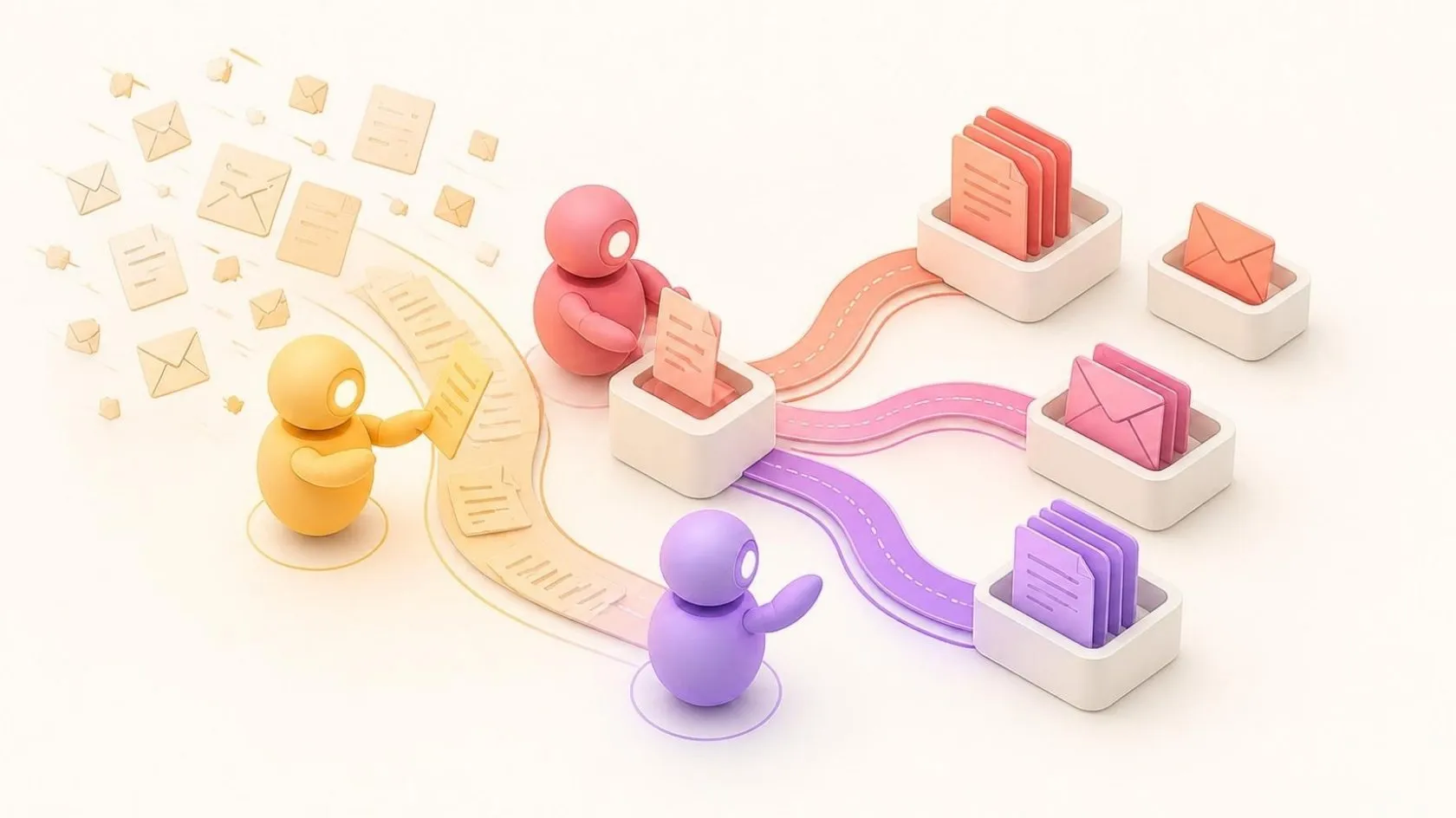
7 signs your business needs a CRM (and how to choose one)
Forgotten follow-ups, spreadsheets everywhere, sales you can’t see: 7 signs your SME needs a CRM, and how to choose between off-the-shelf and custom CRMs.
 By Anass Chabbab · · 6 min read

Your business is growing, you have more and more customers, and yet everything still relies on spreadsheets, inboxes and everyone’s memory. When do you really need a CRM? Not once you reach a certain size, but when your current way of working starts costing you sales, time or your customers’ trust.
A CRM is customer relationship management software: it brings your contacts, your conversations, your quotes and your sales opportunities together in one place. Here are seven signs that it’s time to get one, followed by how to choose the tool that suits you.
The 7 signs your business needs a CRM
1. Follow-ups that fall through the cracks
A quote goes out on a Monday, then nothing. Nobody noted that the customer needed a call back, or the reminder stayed on a sticky note. A few weeks later, you learn that they signed with someone else.
When follow-ups rely on memory alone, some are bound to get lost. With a CRM, every opportunity has a dated next action, and the tool reminds you of it at the right time.
2. Customer data scattered everywhere
One Excel file for prospects, another for customers, contacts in personal phones, the history in individual mailboxes. And the question that keeps coming back: “which version of the file is the right one?”
The first job of a CRM is to become the single source of truth: one up-to-date record per customer, available to everyone who needs it.
3. Nobody knows where sales stand
How many quotes are open? Which ones are likely to be signed this month? If the answer takes a meeting or a round of phone calls, you are flying blind, and it becomes hard to anticipate both your workload and your cash flow.
A CRM shows your portfolio of deals in progress, often called the “sales pipeline”: each opportunity moves from stage to stage (first contact, proposal, negotiation, signature), and the big picture can be read at a glance.
4. The same information entered several times
The customer’s name is typed into the quote, then into the invoicing tool, then into the tracking spreadsheet. Each re-entry takes time and opens the door to errors: an address that differs from one tool to the next, an amount copied wrongly.
Connected to your email, your calendar, your website and your invoicing tool, a CRM lets you enter information once, then share it wherever it is needed.
5. New hires who take weeks to get up to speed
When customer history exists only in the heads of the longest-serving staff, every new arrival needs a long handover. Every absence also leaves a gap: while a salesperson is on leave, nobody knows exactly what was promised, or to whom.
In a CRM, the history sits on the customer’s record. A new hire opens it and sees straight away where the relationship stands.
6. Customers forced to repeat everything
A customer calls, gets someone else and has to explain their request again from the beginning. To them, it signals a disorganised company, even if everyone is doing their job well.
With a shared history, any member of the team can pick up the conversation where it left off. It’s a benefit your customers notice directly.
7. Monthly reports put together by hand
At the end of every month, someone copies figures from several files into one spreadsheet. By the time it’s ready, it’s already out of date, and nobody is quite sure of the totals.
A CRM calculates these metrics continuously: closed sales, pending quotes, conversion rate, each salesperson’s activity.
If you recognise your business in several of these situations, the problem isn’t your teams: they are simply missing a shared tool.
What a good CRM changes day to day
A CRM is not an end in itself. For an SME, a well-chosen, well-configured tool mainly changes the way the team works together:
- A complete view of each customer: contacts, conversations, documents and history together on a single record.
- Automatic follow-ups: reminders, and some messages to customers, go out according to your rules.
- A coordinated team: everyone sees the same information, with access rights suited to their role.
- Less data entry, thanks to links with your email, your calendar, your website and your ERP.
- Decisions based on up-to-date figures, with no spreadsheet to rebuild every month.
A CRM also centralises personal data. It’s an opportunity to take better control of who can access it and how long it is kept: two points regulated by the GDPR, the European data protection regulation, if your business is subject to it.
One condition, though: the CRM must be simpler than the spreadsheet it replaces. A tool nobody fills in is useless. That’s why, in our CRM projects, we always start from the way you sell, not from a list of features.
Off-the-shelf or custom CRM: how to choose?
Once the need is established, you still have to choose the tool. An SME has two main options, which can also be combined.
An off-the-shelf CRM, well configured
This is often the best option if your sales process is conventional: standard stages, few special rules, a team that needs to get going quickly. The work then consists of configuring the tool (fields, stages, automations), migrating your data and connecting it to your other software.
A custom CRM
It makes sense when your business follows rules that standard tools don’t cater for: cases that follow a precise path, documents to be produced automatically, fine-grained access rights, or the need to bring customer relationships and internal management together in one tool. In our projects, the code and the data belong to you, and the tool evolves with you.
In between, a third way is to keep an off-the-shelf CRM and build custom software for what is specific to you: a business-specific module, an integration, an automation. We explain this reasoning in our article Off-the-shelf or custom software: how to choose without regret.
A custom CRM/ERP for a Sydney law firm
A project led by our founder, Anass Chabbab, as IT director at DIGIIT Solutions, illustrates this scenario well. For a Sydney law firm, he led the design of a single tool, with:
- different access depending on each person’s role, so that every user sees only what concerns them;
- documents produced automatically;
- apps on desktop, iOS and Android, for working in the office and on the move.
The result: processing time cut by 40%, more than 100 users, and a first release in under six months. Read the full case study.
Implementing a CRM: the steps to success
Whether you choose an off-the-shelf or a custom CRM, the method matters as much as the tool. Here are the steps we follow:
- Map the way you sell: your stages, your documents, your metrics. We start from how things work on the ground, not from a catalogue of features.
- Stick to the essentials: only useful information on the customer record. Every unnecessary mandatory field slows adoption.
- Clean up and migrate your data: from your Excel files and your old tools, deduplicated and checked before import.
- Connect your tools: email, calendar, website forms, invoicing or ERP.
- Automate follow-ups and repetitive tasks, according to your own rules.
- Train your teams on their real customer files, and appoint an in-house champion.
- Adjust after a few weeks of use: simplify what isn’t used, add what’s missing.
Frequently asked questions
Does a small business really need a CRM?
The situation matters more than the size. As soon as several people talk to the same customers, or follow-ups get lost, a simple CRM already makes a difference. You can start with a few essential features, then build on the tool over time.
What is the difference between a CRM and an ERP?
A CRM manages customer relationships and sales: prospects, conversations, quotes, opportunities. An ERP manages the operations that follow: orders, stock, purchasing, deliveries and invoicing. The two work better when they are connected, so that a signed quote becomes an order without being entered again. If you are also considering an ERP, here is how to implement one without disrupting your business.
Can you import our Excel files?
Yes. We import your files and the data from your old tools, after cleaning and deduplicating them. It’s also a chance to sort through contacts that have piled up over the years.
In short
Forgotten follow-ups, scattered data, sales you can’t see, information entered twice: these signs don’t go away on their own, and they weigh more heavily as the business grows. A well-chosen CRM brings order back, provided it starts from the way you work.
Do several of these signs sound familiar? Book a free 30-minute discovery call: you tell us how you sell today, and we give you an honest opinion on the best option, whether that’s an off-the-shelf CRM, a custom tool or a combination of the two.
Let’s talk about it on a 30-minute discovery call, free and with no obligation.