Modernise your applications without losing a single business rule.
Is your application ageing, slowing down or no longer secure? We rebuild it step by step on current technology, proving with automated tests that everything works as before.
A brand-new application that does exactly what the old one did.
Audit of the existing system
Every business rule, even those hidden in the code, is identified and documented.
Parity tests
Automated tests compare the old and the new application, scenario by scenario.
Step-by-step migration
Module by module, without stopping your business or losing your data.
Security hardening
The old application’s security flaws are fixed in the new one.
A module-by-module migration, proven by tests.
Your application moves to current technology one module at a time. Each module only switches over once all its parity tests pass, and the old version stays in service until then. Choose a module to see what its tests check.
- Creating a customer record
- Multi-criteria search
- Merging duplicates
- Discount calculation
- Order statuses
- Stock reservation
- VAT calculation
- Invoice numbering
- Credit notes and refunds
- Monthly totals
- Filters by period
- Export to Excel
- Secure sign-in
- Roles and access rights
- Activity log
- Document templates
- Data merge
- File archiving
Modernise without taking risks.
Map the application
We analyse the existing application, its data and its rules, together with your users.
Write the parity tests
The important behaviours become tests, checked against the old version.
Rebuild step by step
Every rewritten part must pass the same tests as the old one.
Switch over
Go-live, data migration and close monitoring over the first few weeks.
Rebuilding an ageing management tool
An internal application rewritten on current technology, with parity tests to make sure every business rule works as before.
Modernisation
Because it’s risky: a complete rewrite often misses business rules. Moving forward in steps, with parity tests, keeps your business stable.
No. The old application keeps running during the rebuild, until a final switch-over prepared in advance.
It is carried over to the new application and checked. The old database can be kept in read-only mode if needed.
From the blog
All articles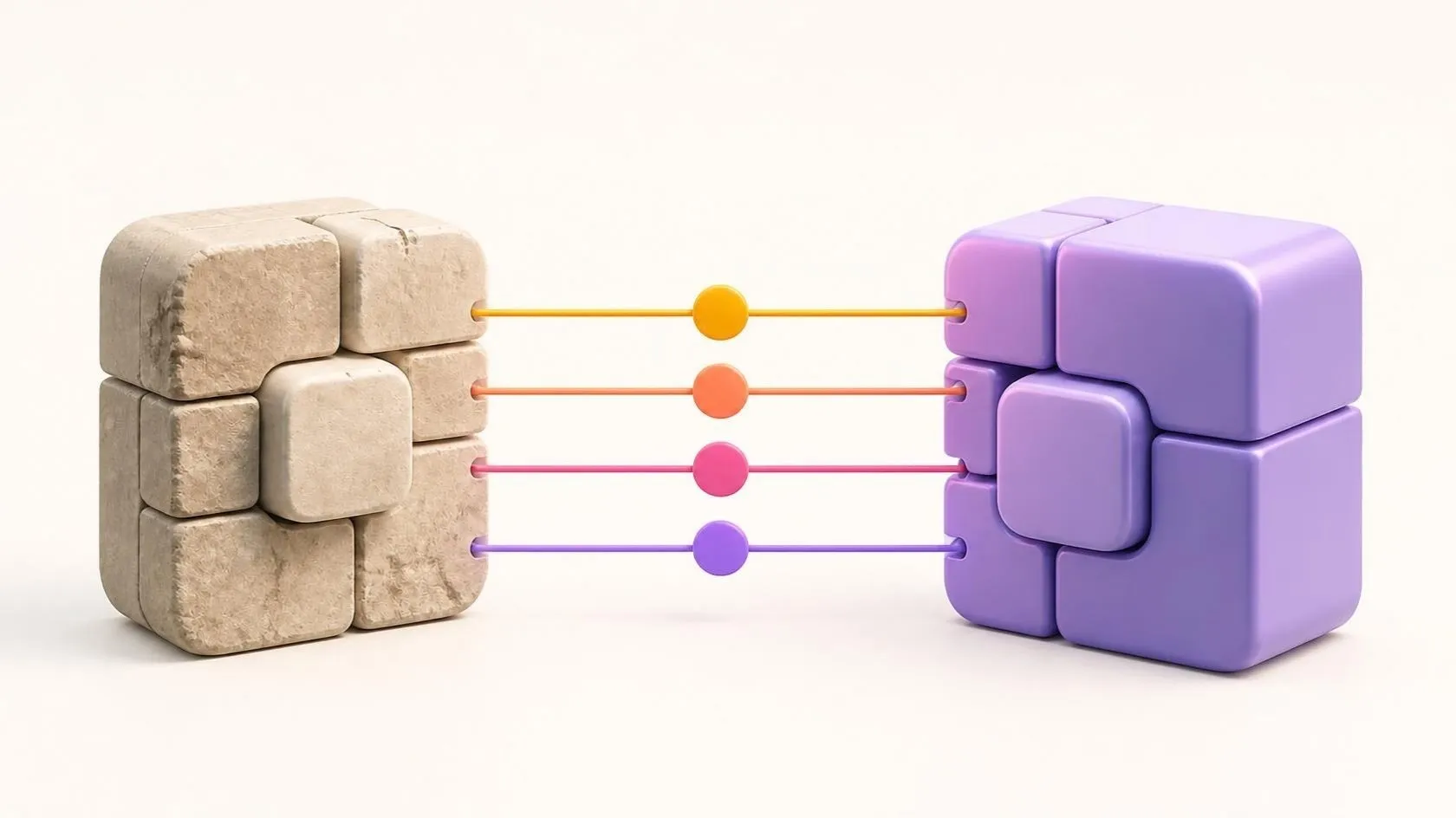
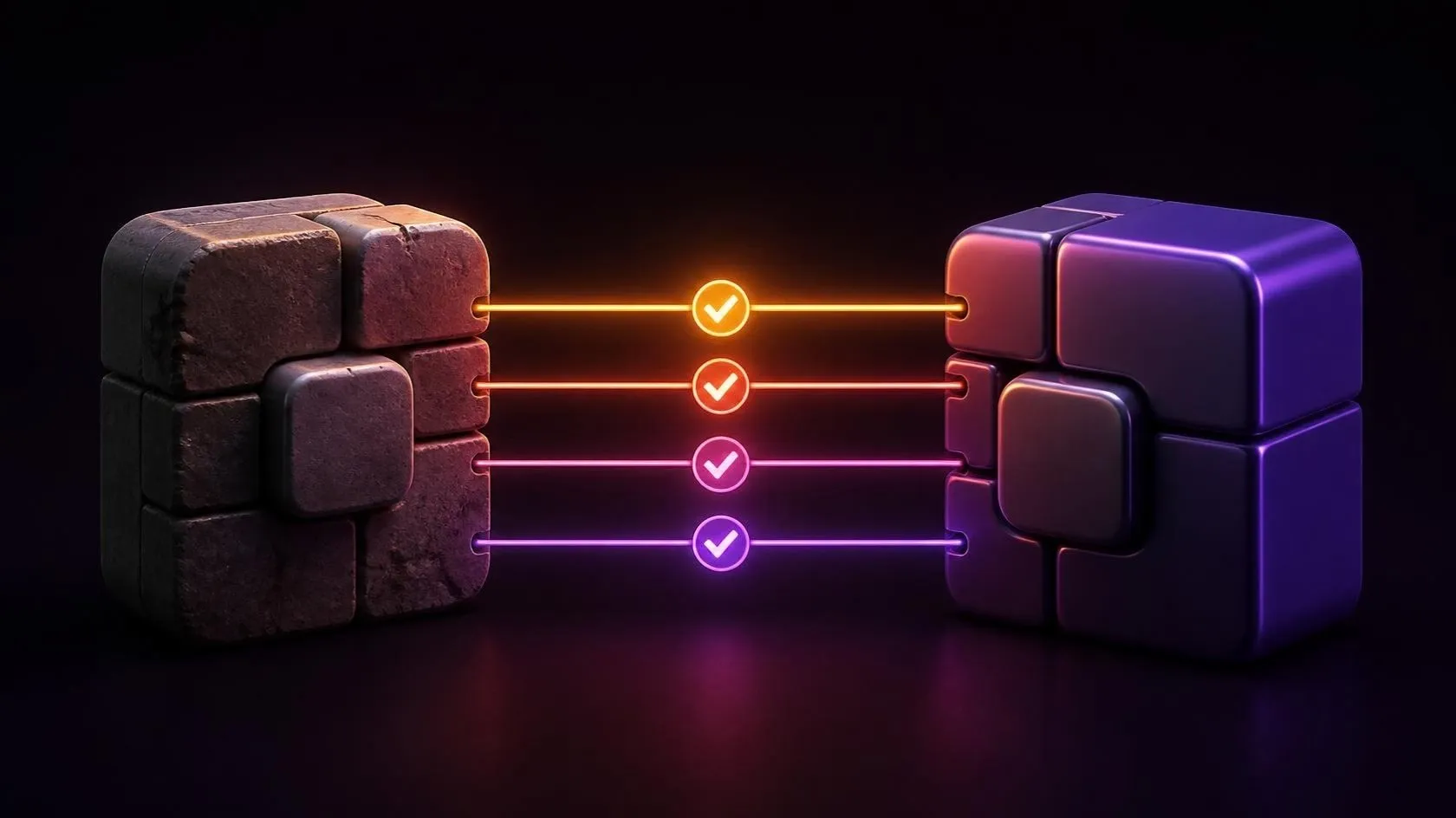
Rewriting a legacy application without breaking the business: the parity testing method
A full rewrite often fails because business rules get lost along the way. Parity tests protect your business while your application is modernised.
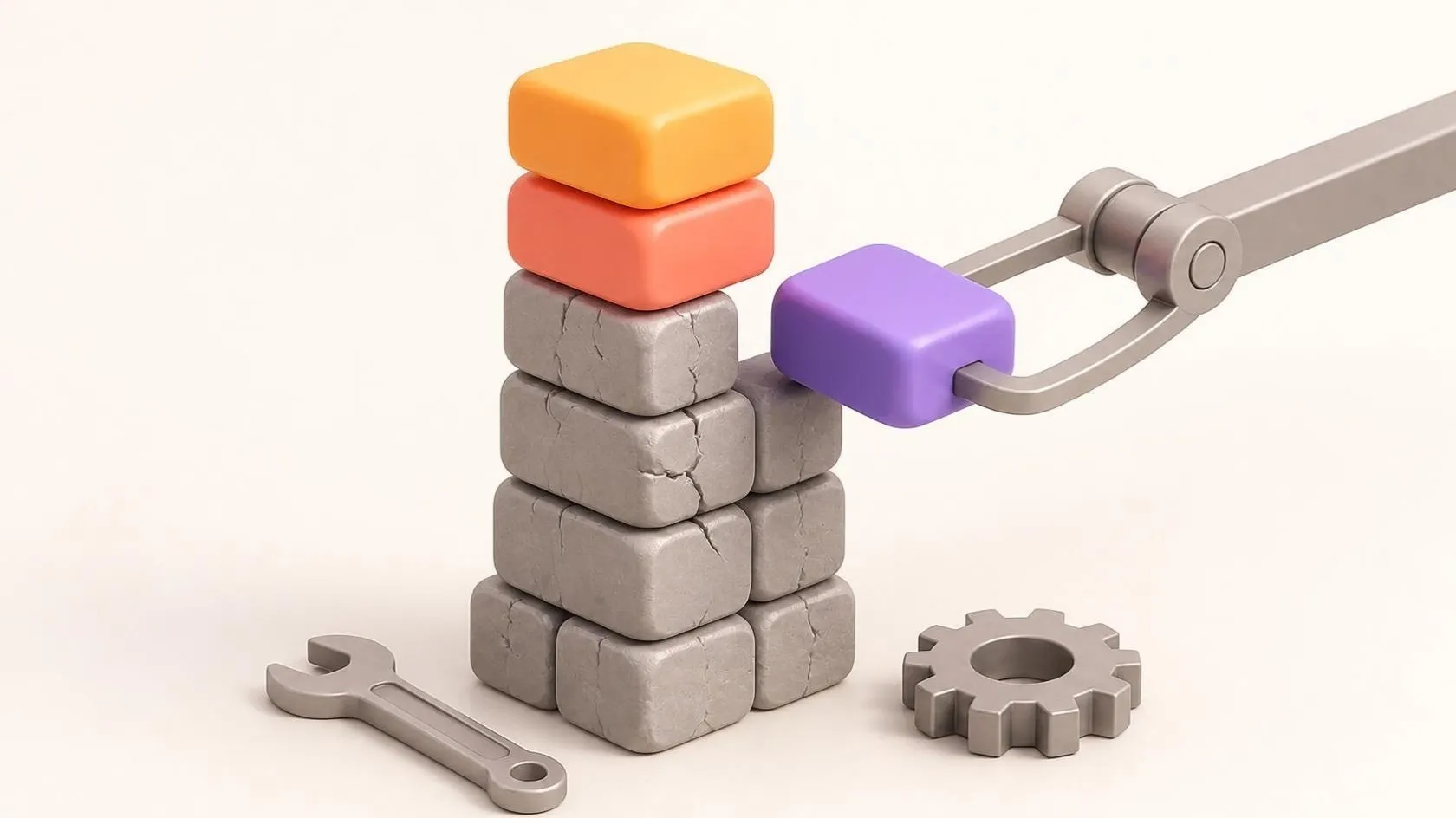

Technical debt: when and how to modernise an application
Slowdowns, security holes, fear of touching the code: the signs of costly technical debt, and three ways to modernise a legacy application without breaking it.
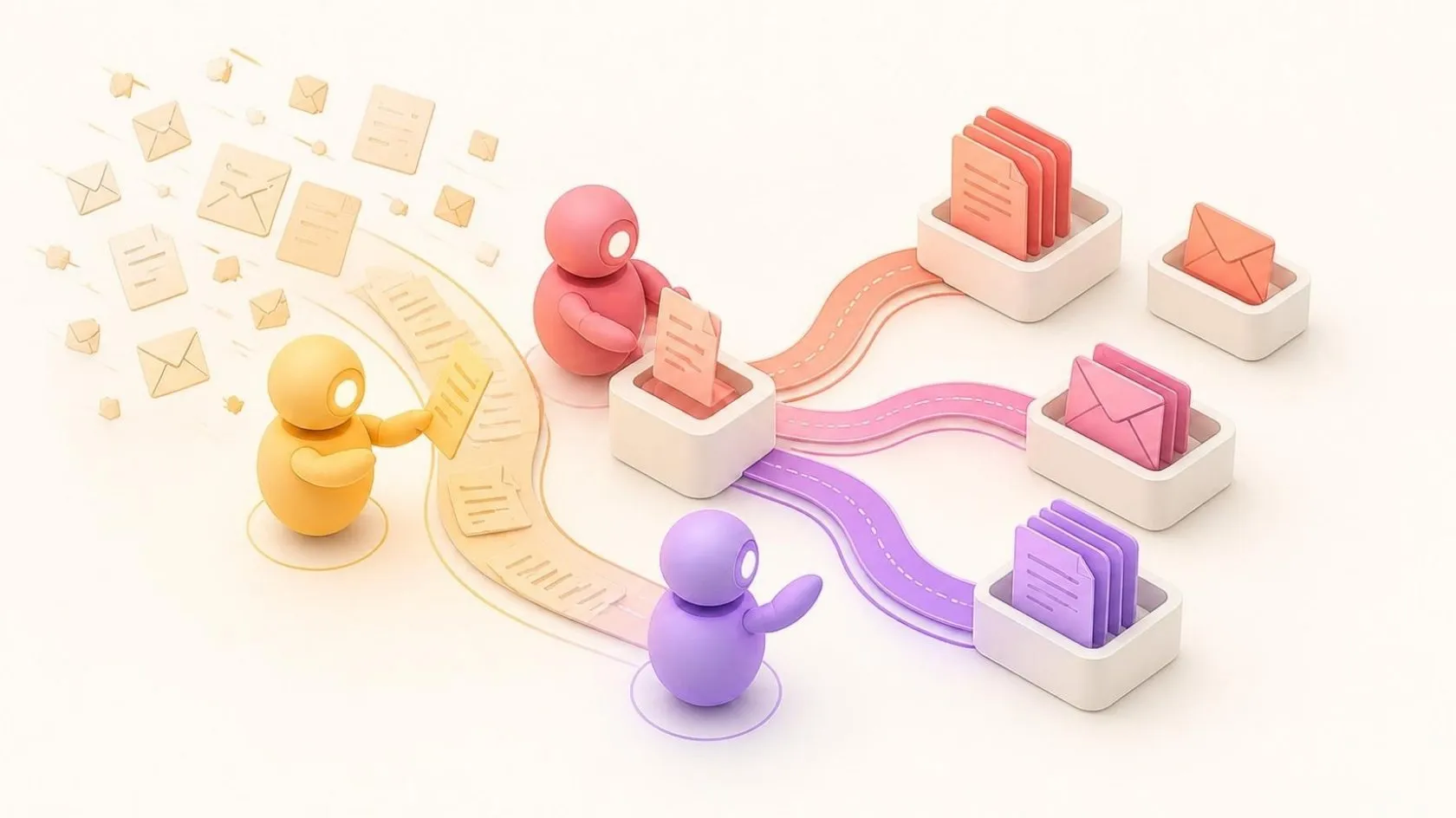
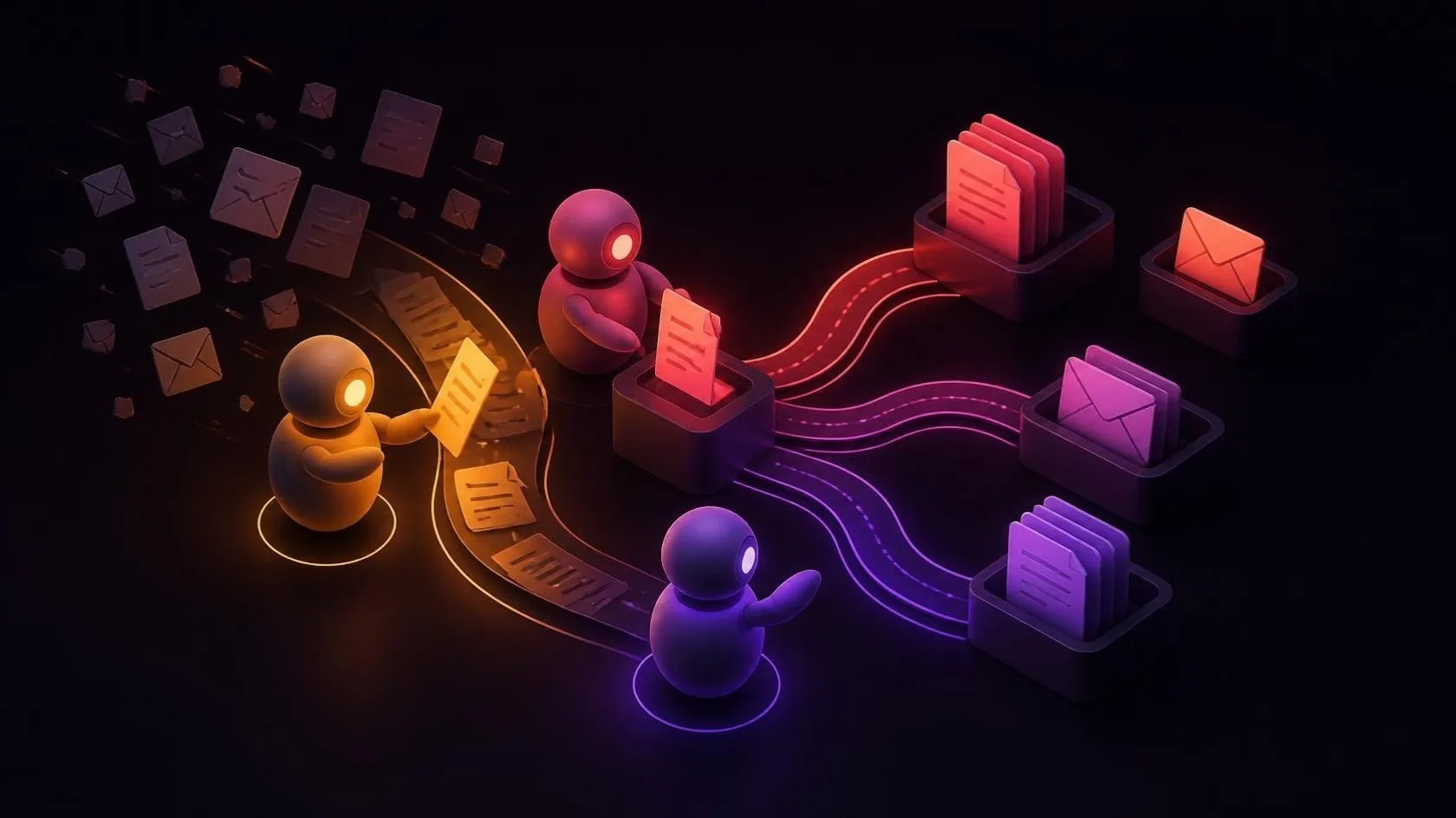
What an AI agent can really do for an SME (and what it can’t)
An AI agent isn’t just another chatbot: it reads, decides and acts in your tools. Concrete examples for SMEs, its limits, and a low-risk way to get started.
An application showing its age?
Let’s give it a second life.
30 minutes to talk it over, free and with no obligation.