Backups and a disaster recovery plan for SMEs
Write a disaster recovery plan for your SME: set RPO and RTO for each application, apply the 3-2-1 backup rule, back up SaaS data and test your restores.
 By Anass Chabbab · · 7 min read
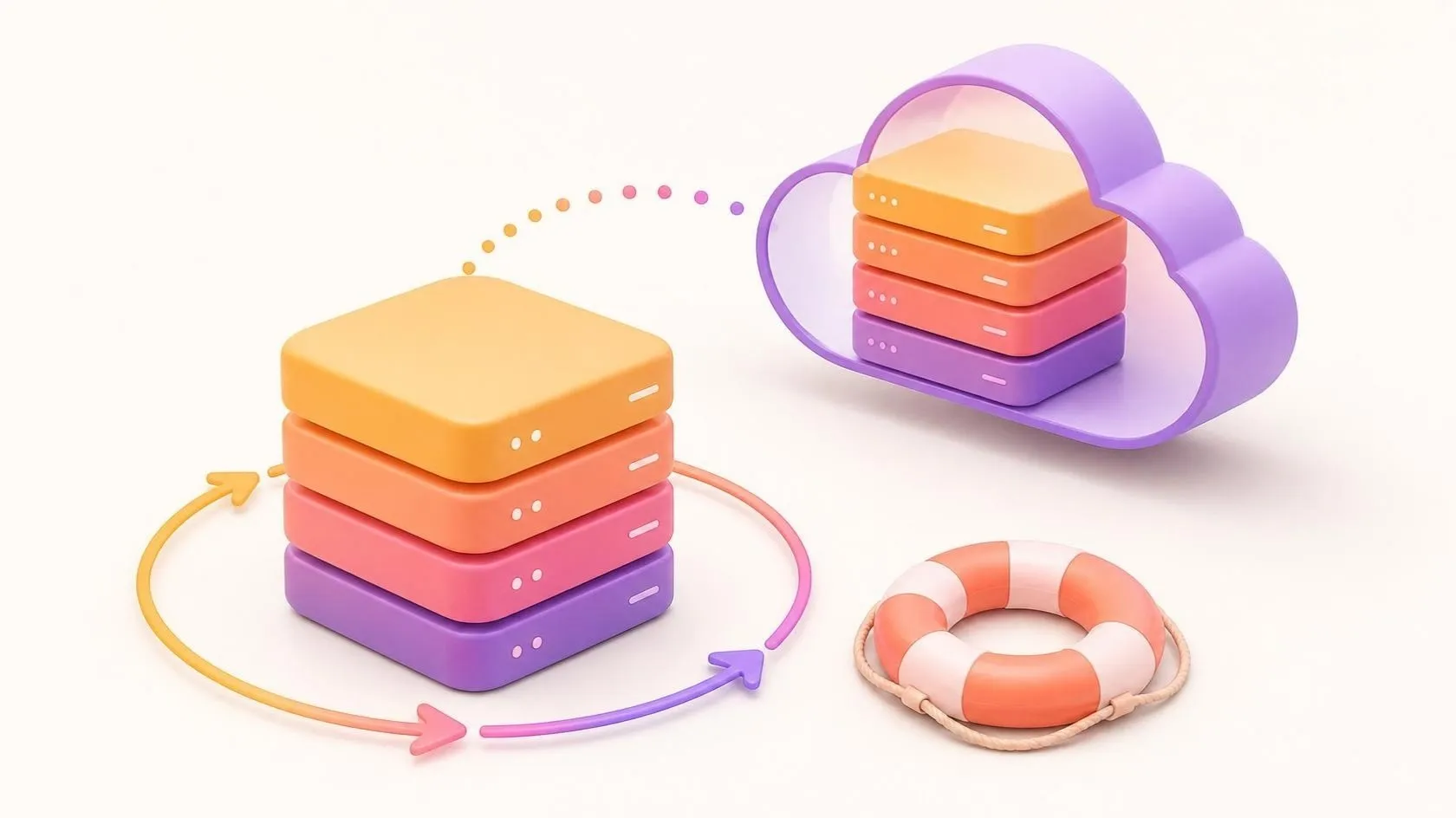
A server fails, a laptop is left on a train, ransomware encrypts a shared drive, or someone deletes the wrong folder in a cloud tool. Most of these incidents are ordinary. What matters is how quickly you get back to work and how much data you lose on the way. A disaster recovery plan answers both questions before the incident, not during it.
In this guide we show you how to decide, application by application, how much data you can afford to lose and how long you can stop. Then we apply the 3-2-1 backup rule with one copy nobody can tamper with, cover your SaaS data, test restores and fit the whole plan on one page.
Backup, disaster recovery, business continuity: what is the difference?
- A backup is a copy of your data, taken at a point in time and kept somewhere else.
- A disaster recovery plan (DRP) says how you bring systems and data back after an incident: in what order, from which copies, by whom, and how long it may take.
- A business continuity plan (BCP) is wider. It says how the business keeps serving customers while systems are down: paper forms, a phone list, another office, a temporary process.
For a small or medium-sized enterprise (SME), start with the disaster recovery plan: it is concrete, and it gives the continuity plan the facts it needs.
RPO and RTO: decide what you can lose and how long you can stop
Two measures turn “we need good backups” into decisions.
- RPO (recovery point objective): the maximum amount of data you accept to lose, measured in time. A nightly backup means an RPO of up to 24 hours.
- RTO (recovery time objective): the maximum time an application may stay unavailable before the damage becomes serious.
Start with an inventory
List every business application and where its data lives: accounting, CRM (customer relationship management), file shares, email, your line-of-business software, the website, and the laptops where people still keep “just a few” files. Give each one an owner in the business.
Ask the owner two questions
“If we lost everything since yesterday evening, what would it cost us to redo?” gives you the RPO. “How long could your team work without it?” gives you the RTO. These are business decisions; IT then says what meeting them takes.
Match the effort to the answer
A short RPO needs frequent backups or continuous replication; a short RTO needs a ready environment and a rehearsed procedure. Both cost money, so do not give every application the same target. A brochure website that can be rebuilt from its code repository in a day does not need hourly backups.
Illustrative example (fictitious figures):
| Application | Owner | RPO | RTO |
|---|---|---|---|
| Accounting | Finance manager | 24 hours | 2 days |
| CRM | Sales lead | 4 hours | 4 hours |
| Shared files | Operations | 24 hours | 1 day |
| Website | Marketing | 1 week | 2 days |
Apply the 3-2-1 backup rule, with one copy out of reach
The 3-2-1 backup rule is simple and still sound:
- 3 copies of your data: the live data plus two backups;
- 2 different types of storage, so one failure cannot take both;
- 1 copy off-site, away from the building and the main network.
Add a copy that cannot be changed
Ransomware often goes for backups reachable with the same administrator account. Keep at least one copy offline (a disconnected drive in rotation) or immutable: storage that, once written, cannot be modified or deleted for a set period, even by an administrator.
Protect the backup system itself
- Use a separate administrator account for backups, with multi-factor authentication.
- Encrypt backups, and store the encryption key somewhere you can reach when your main systems are down.
- Keep several generations (daily, weekly, monthly), so you can go back to a date before an infection or a deletion that nobody noticed for weeks.
Backups also hold personal data, so your retention periods and data protection duties apply to them as well. Our guide to cybersecurity for SMEs covers the other basic protections around them.
Back up your SaaS and cloud data too
Moving to the cloud does not move the responsibility for your data. What a SaaS (software as a service) or cloud provider protects depends on the service and on your contract. Some protect their infrastructure but cannot undo your own deletion or changes made from a compromised account.
For each SaaS tool you depend on, check:
- what the provider backs up, and how long deleted items can be recovered;
- whether you can restore a single record or file, or only everything at once;
- how you export your data, in which format, and what happens to it if the subscription ends.
Where the answers fall short, schedule regular exports or use a backup tool that works through the service’s API (application programming interface). If you are planning a move, our cloud migration plan shows where backups and recovery fit in.
For a custom application, a full backup means more than the database: uploaded files, configuration and secrets, and the code in a repository you control. If you sell software yourself, your customers will ask how you back up their data, so build it in from the first version, as we explain in our guide to launching a SaaS MVP.
Test your restores, not just your backups
A backup you have never restored is a hope, not a plan. Jobs can report success while copying an empty folder.
What to test, and how often
- A single file or record: every month, picked at random.
- A full application: at least once a year for each critical one, restored onto a separate environment, with the clock running. Compare the time it took with your RTO.
- The alerts: check that someone actually reads the failure reports, and that a silent backup is treated as a failed one.
Plan to rebuild, not only to restore
If a server or a laptop has to be set up by hand from memory, recovery depends on the person who remembers. Scripted environments remove that risk. At Orange Business Services, a project led by our founder, Anass Chabbab, in his previous roles brought the set-up of Banque Populaire workstations from half a day to one click (see the case). The same approach makes machines and servers quick to replace after an incident.
Know when simple is enough
A three-person firm working mainly in well-chosen SaaS tools may need little more than checked export settings, one automatic cloud backup and an encrypted drive kept off-site. Do not buy a complex product for a small risk.
A one-page disaster recovery plan template
Keep it to one page, print it, and store a copy outside your systems.
- Scope and date: which applications are covered; date of the last update.
- Who decides: the person who declares an incident and their deputy, with phone numbers kept on paper.
- Contacts: your IT provider, key software suppliers, your insurer, your bank.
- Applications: for each one, its owner, RPO, RTO, where the backups are, how to restore, and the restore order.
- Access: where the emergency administrator accounts and recovery keys are kept, and who can open them.
- Communication: who informs staff and customers, through which channel if email is down.
- Cyberattacks: follow your country’s official guidance and call the specialists your insurer or provider names. In Australia that is cyber.gov.au; in France, cybermalveillance.gouv.fr; in Spain, INCIBE; in the United Arab Emirates, the UAE Cyber Security Council (as of October 2026).
- Tests: date of the last restore test, how long it took, and what was fixed afterwards.
This article gives practical pointers as of October 2026. It does not replace advice from your lawyer, insurer or security specialist, in particular on your duties after a data breach.
On our custom software projects, backups, restore procedures and their documentation are part of what we deliver, not an afterthought.
Frequently asked questions
What is the difference between RPO and RTO?
RPO (recovery point objective) is how much data you can afford to lose, expressed in time: with a backup every night, you may lose up to a day of work. RTO (recovery time objective) is how long an application can stay down before the impact becomes serious. Set both per application with its business owner.
Is a file sync service the same as a backup?
No. A sync service copies changes everywhere, including deletions and files encrypted by ransomware. Some services keep earlier versions or a recycle bin for a while, but how long and how much depends on the service and your plan. A backup is a separate copy, with its own history and access rights, that you can restore even when the original account is lost.
How often should a small business test its backups?
Restore a random file or record every month, and restore each critical application completely at least once a year, timing it against its RTO. Test again after any big change, such as a new server or a new IT provider. Write down the result each time, so the plan shows when it last worked.
In short
Decide with each application’s owner how much data you can lose and how long you can stop. Apply the 3-2-1 backup rule with one offline or immutable copy, and check what your SaaS providers really protect. Test restores on a schedule, and keep a one-page plan that works when your systems do not.
Not sure your backups would bring your business back? Book a free 30-minute discovery call: we will look at your applications together and see where to start.
Related servicesCustom softwareSaaS productsModernisation
Let’s talk about it on a 30-minute discovery call, free and with no obligation.
Get our next articles in your feed: follow AnazTech on LinkedIn.Follow on LinkedIn