Your whole operation in a single system.
Orders, stock, purchasing, production, deliveries and invoicing: a custom ERP, or one adapted to your business, replaces spreadsheets and tools that don’t talk to each other.
Every step of your business, connected to the rest.
Orders and deliveries
From quote to delivery, every order is tracked step by step.
Stock and purchasing
Up-to-date stock levels, supplier orders and restocking alerts.
Invoicing and documents
Invoices, delivery notes and legal documents generated automatically.
Performance monitoring
Dashboards to follow sales, margins and activity in real time.
An order entered once, followed all the way to the invoice.
The order flows through your whole ERP without being re-entered: stock is reserved, production starts, then the delivery note and the invoice are created automatically. Every department sees the same up-to-date information. Click a step to see it again.
An ERP that follows your business, not the other way round.
Follow a real order
We follow one order from start to finish to spot re-keying and wasted time.
Design the target system
The modules you need, shared data, the documents to produce.
Build module by module
We start with what saves you the most, then expand.
Switch over smoothly
Data migration, training and support during the roll-out.
From paper and Excel to a single tool
Customers, suppliers, orders, manufacturing, delivery and invoices brought together in one custom application.
Read the case studyERP
No. An SME often gains the most from moving from paper or spreadsheets to a single tool, like Innova Home in Morocco.
No. We build the ERP module by module, starting with the one that saves you the most time.
Yes: customers, products, stock and history are carried over and checked before go-live.
Start with a fixed-scope offer
A clear starting price and a set duration, to begin without a long tender.
From the blog
All articles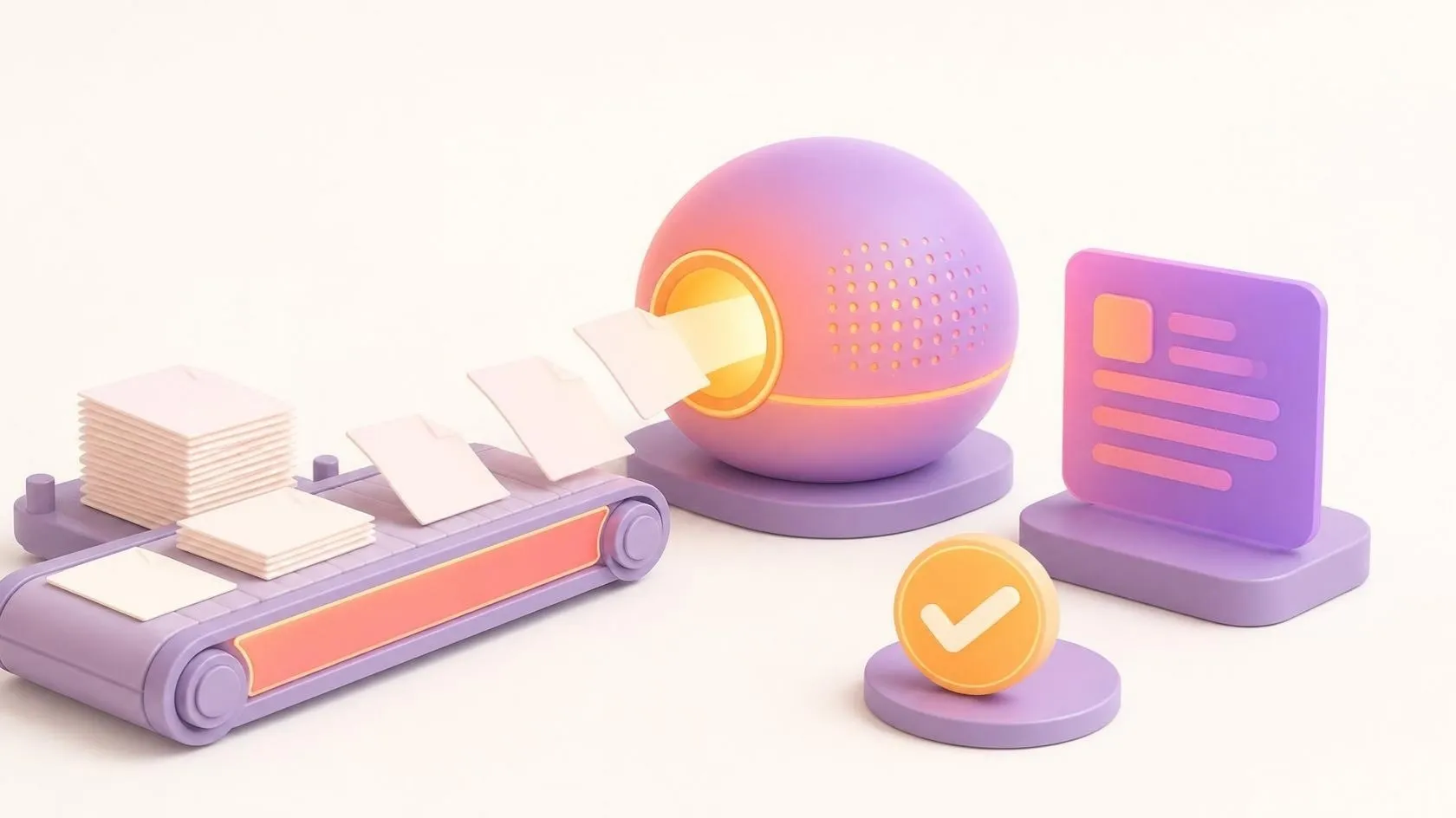

Automating invoice processing with an AI agent
AI invoice processing: how an AI agent reads your invoices, matches them to purchase orders in your ERP, flags discrepancies and leaves the approval to you.
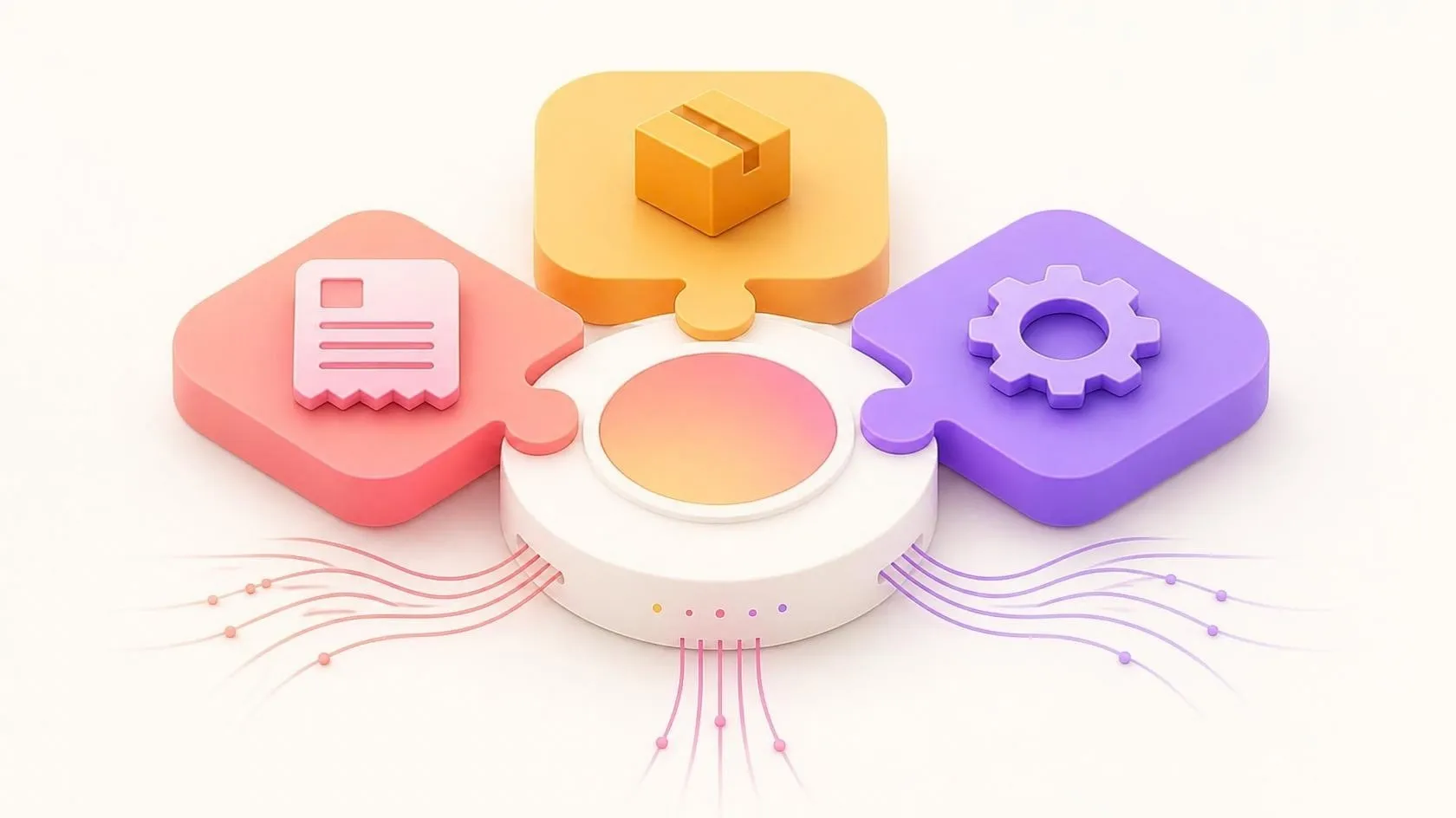
How to implement an ERP in an SME without disrupting the business
ERP implementation in an SME without stopping everything: a step-by-step method, the pitfalls to avoid, and a real case with over 50% time saved per order.


Off-the-shelf or custom software: how to choose without regret
CRM, ERP, business-specific tools: when off-the-shelf software is enough, when custom software is the answer, and how to combine the two wisely.
Still managing your orders
in spreadsheets?
30 minutes to talk it over, free and with no obligation.