CI/CD explained: ship updates often and safely
What is CI/CD? Continuous integration and delivery in plain words: a typical pipeline, what it changes for your business and how to start on an existing app.
 By Anass Chabbab · · 6 min read


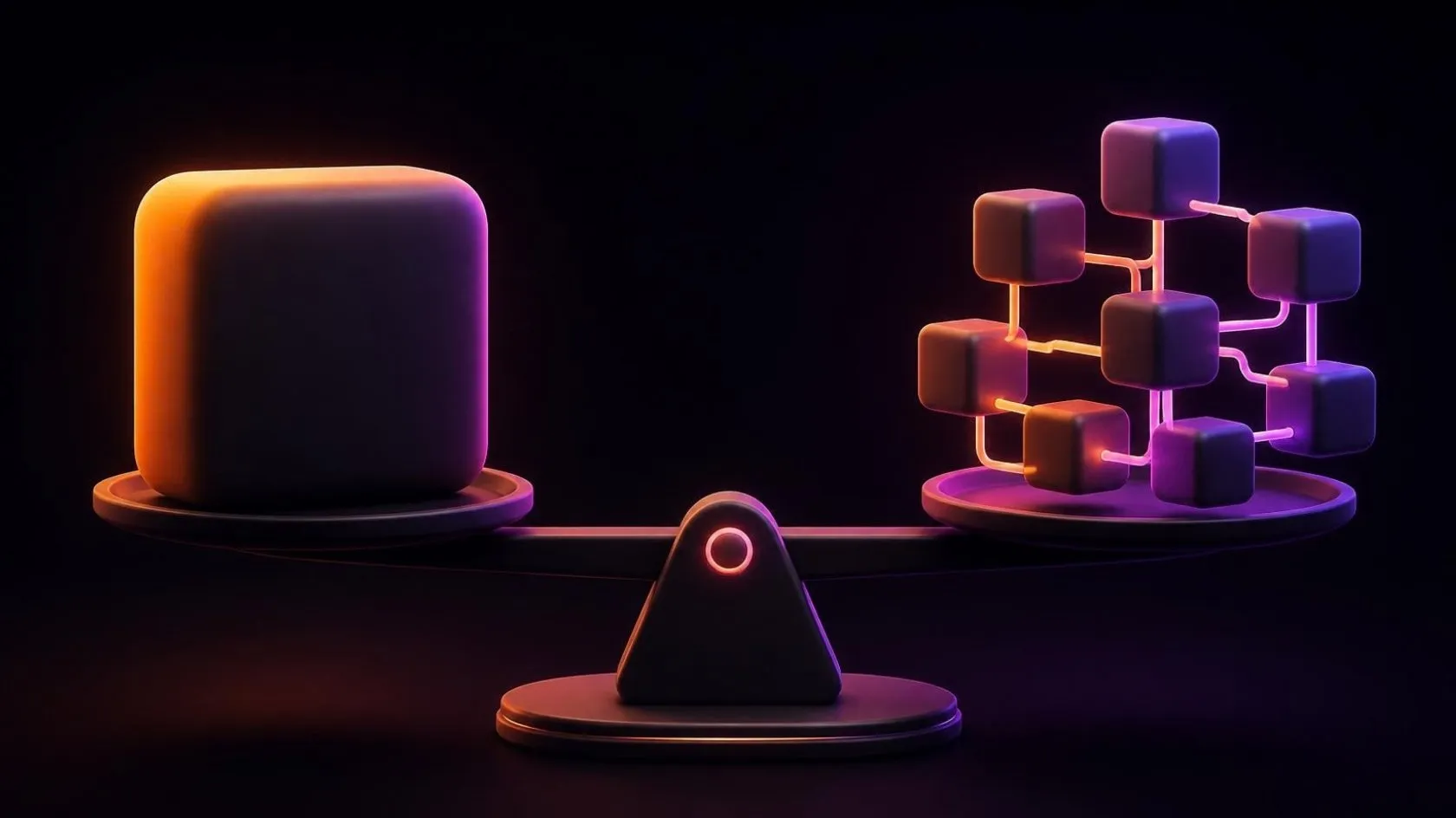
Release day often looks like this: a developer copies files to the server late in the evening, someone clicks through a few screens, and everyone hopes nothing breaks. Because releases are stressful, they become rare, and each one carries more changes and more risk. So what is CI/CD, and why does it break that cycle? In this guide, we explain continuous integration and continuous delivery in plain words, walk through a typical pipeline step by step, show what it changes for your business, and give you a starter checklist to bring CI/CD to an application you already have.
What is CI/CD? Continuous integration and delivery in plain words
CI/CD stands for continuous integration and continuous delivery (or continuous deployment). It is a way of working in which every change to your software goes through the same automated checks, every time.
Continuous integration
With continuous integration, developers merge their changes into one shared main version often, ideally several times a day. Each time, a server builds the application and runs the automated tests. If something breaks, the team knows within minutes, not weeks later during a big merge.
Continuous delivery and continuous deployment
Continuous delivery means that every version that passes the checks is ready to go live. The release itself is one click, and a person decides when to press it.
Continuous deployment goes one step further: every version that passes the checks goes live automatically, with no human click. It suits products that change many times a day, such as some SaaS (software as a service) platforms, and it needs a very solid set of tests.
For most SMEs (small and medium-sized enterprises), continuous delivery is the right target. You keep control of the timing, and you lose the manual, error-prone steps.
A typical CI/CD pipeline, step by step
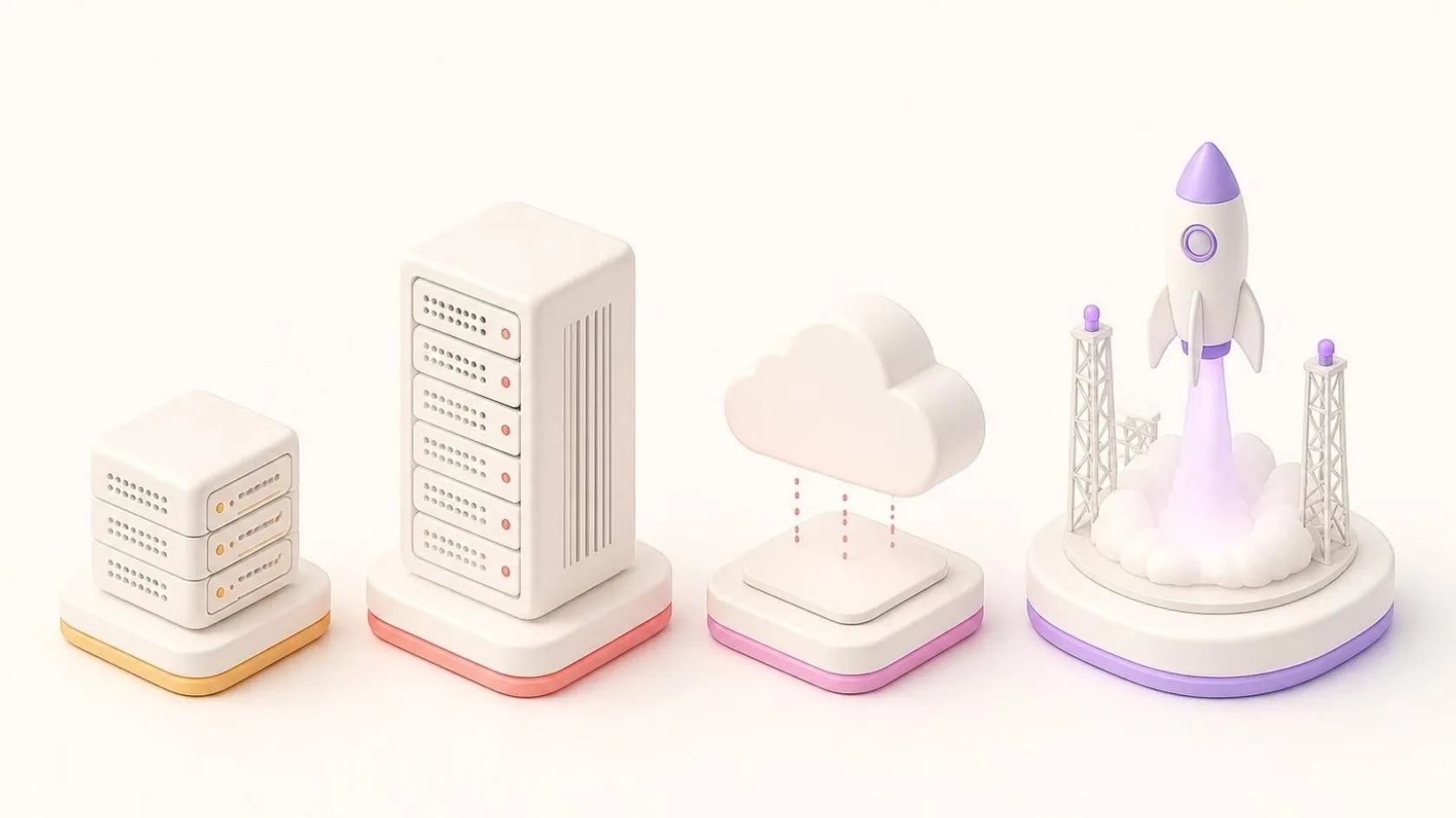
A CI/CD pipeline is the sequence of automatic steps a change goes through, from the developer’s computer to your users. The tools vary (as of October 2026, common examples include GitHub Actions, GitLab CI/CD, Jenkins and Azure DevOps), but the steps are much the same.
1. Build
The server fetches the code from version control and builds the application from scratch, on a clean machine. If it only builds on one developer’s laptop, you find out here.
2. Automated tests
Unit tests check small pieces of logic, integration tests check that the parts work together, and a few end-to-end tests check key journeys such as sending an invoice. A failed test stops the pipeline.
3. Code analysis
A tool reads the code for bugs, security weaknesses, duplication and known vulnerabilities in the libraries you use. You set a quality threshold, and the change does not go further below it.
4. Staging
The new version is deployed automatically to a staging environment, a copy of production with test data. Your team or a few key users check it there first.
5. Release
Going live uses the same scripted steps as staging, with no files copied by hand. Database changes run as versioned scripts, in order.
6. Rollback
If something goes wrong, you return to the previous version quickly, with a procedure tested in advance. A release you can undo is a release you dare to make.
What CI/CD changes for your business
The benefit is not speed for its own sake, but control.
- Smaller releases, smaller risks. A release with three changes is easy to check and easy to undo. A release with three months of changes is neither.
- Faster fixes. A bug fix can reach customers the same week, through the same safe route.
- Less dependence on one person. The release procedure lives in the pipeline, not in someone’s head.
- A clear record. You can see who changed what, which checks ran and what went live when. Larger customers often ask for this in their security questionnaires.
- Visible quality. Code analysis shows whether the code is getting better or worse over time, which helps you plan the work on technical debt.
This is not theory. At Orange Business Services, in projects led by our founder, Anass Chabbab, in his previous roles, continuous integration ran on Jenkins, with SonarQube checking code quality on every change. The same habit of automation brought Banque Populaire workstations from half a day of set-up to one click. You can read more in the Orange Business Services case.
How to start CI/CD on an existing application
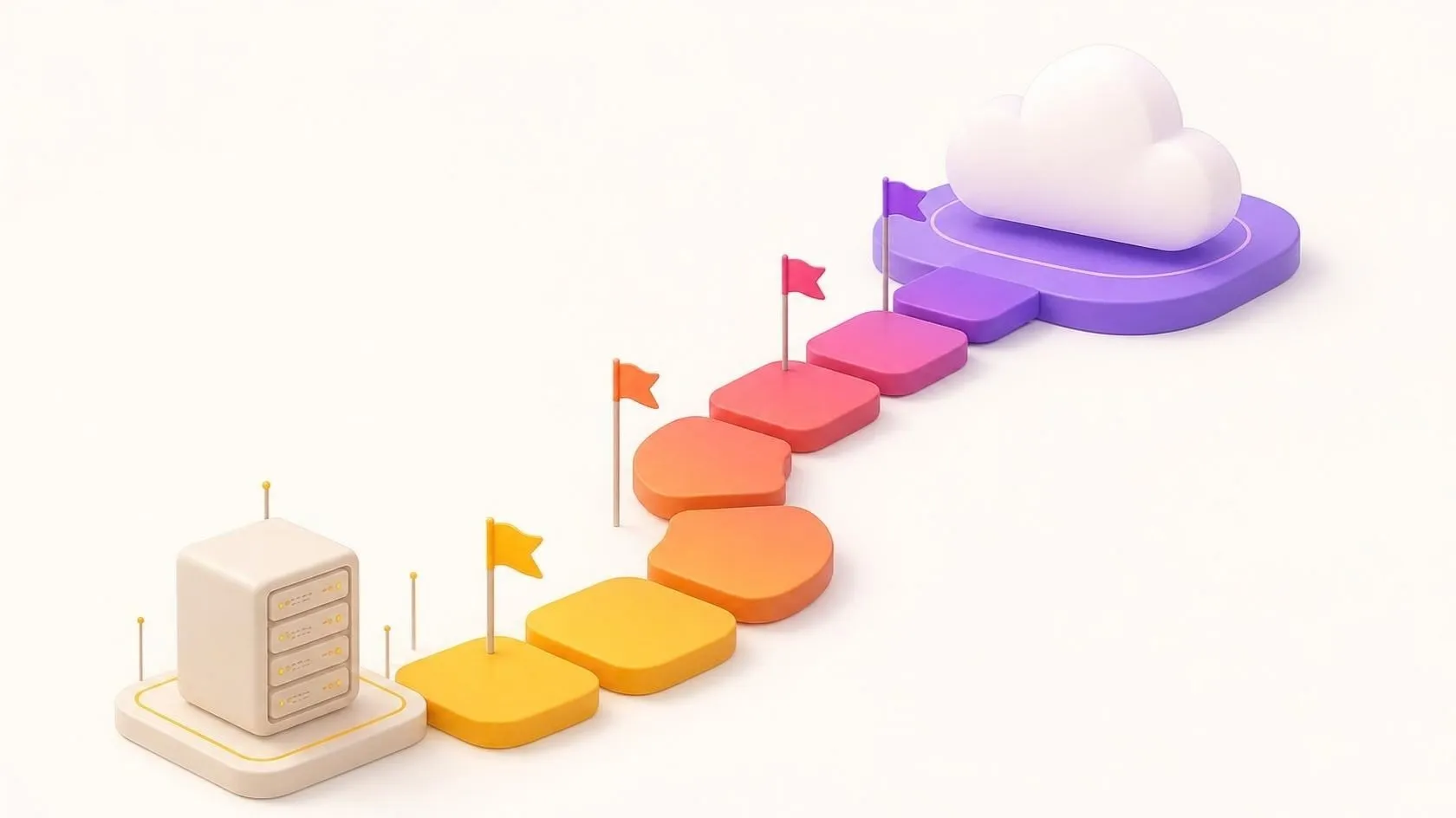
You do not need to rebuild your application to benefit. We would start in this order.
Put everything in version control
All the code, the build scripts and the configuration go into a version control system such as Git. Passwords and keys do not: they belong in a secrets store that the pipeline reads at run time.
Automate the build
Aim for one command that builds the application on a clean machine. This often uncovers hidden manual steps.
Add a safety net of tests
Older applications rarely have many tests. Start with a small set that checks the most important business behaviour from the outside, the way a user would. Parity testing is a good model: the same tests then protect the old version and any future rewrite.
Analyse new code first
Running code analysis on an old application can produce thousands of warnings. Set the threshold on new and changed code only, so the quality improves with every change without blocking the team on day one.
Create a staging environment
Staging should be as close to production as you can afford. If nobody can rebuild your production server, look at a cloud migration plan at the same time.
Automate the release, then the rollback
Script the release, run it in staging, then in production, and test the rollback early. Then shorten the cycle: monthly, weekly, then whenever a change is ready.
When it is not worth it (yet)
Honesty matters here. A small internal tool that changes twice a year does not need a full pipeline: version control, a written release checklist and a backup are enough. Software you buy and do not develop yourself has nothing to integrate. CI/CD pays off when you change your own software regularly, or when you sell it.
A starter checklist for your first pipeline
Use this list to see where you stand. Each “no” is a next step.
- Code: all code and configuration are in version control; no passwords in the code.
- Build: the application builds on a clean machine with one command.
- Tests: the key business journeys are covered by automated tests that run on every change.
- Analysis: code analysis runs on every change, with a threshold on new code.
- Staging: a staging environment exists and receives each version automatically.
- Release: going live is scripted, with no file copied by hand.
- Database: changes to the database are versioned scripts, applied in order.
- Rollback: the way back to the previous version is written down and has been tested.
- Access: only the pipeline can deploy to production, and the people who can change the pipeline are named.
- Follow-up: someone is told when a step fails, and fixing it comes before new work.
Frequently asked questions
Which tool should we use for a CI/CD pipeline?
Start with the one that fits where your code already lives: if it is on GitHub or GitLab, their built-in pipelines are usually the simplest choice, while Jenkins suits teams that want to host everything themselves. As of October 2026, the common tools can all build, test, analyse and deploy a typical business application. The steps and the discipline matter more than the brand.
Is continuous deployment risky for a business application?
It can be, if the tests are thin: going live automatically is only as safe as the checks in front of it. That is why we usually recommend continuous delivery first, where a person chooses the moment. Once the tests have proved reliable over many releases, parts of the application can move to continuous deployment, often behind feature flags that switch a new function off without a new release.
Do we need a full-time DevOps engineer?
Not for most SMEs. A first pipeline for one application is a well-defined project: someone sets it up, documents it and shows your developers or your provider how to use it. After that, it needs occasional care. What you do need is a clear owner who makes sure a failed step is fixed, not worked around.
In short
CI/CD replaces risky manual releases with a repeatable pipeline: build, tests, code analysis, staging, release and rollback. Continuous delivery keeps a person in charge of the timing, which suits most SMEs. You can start on an existing application, step by step, beginning with version control and a few key tests. If your software rarely changes, a written procedure may be enough.
Are your releases still done by hand, late in the evening? Book a free 30-minute discovery call: we look together at how your updates reach production today and which step to automate first. If it is useful, an audit of your application, on the basis of a quote, then sets out a full plan, and our modernisation services can take it from there.
Related servicesModernisationSaaS productsCustom software
Let’s talk about it on a 30-minute discovery call, free and with no obligation.
Get our next articles in your feed: follow AnazTech on LinkedIn.Follow on LinkedIn