Technical debt: when and how to modernise an application
Slowdowns, security holes, fear of touching the code: the signs of costly technical debt, and three ways to modernise a legacy application without breaking it.
 By Anass Chabbab · · 6 min read

Your business application works. But every change takes longer than planned, updates keep being postponed, and only one person still dares to touch the code. These symptoms have a name: technical debt. It appears on no balance sheet, yet you pay for it every day, in time, in risk and in missed opportunities.
Does that mean rebuilding everything? Not necessarily. Here is how to recognise when it is time to modernise an application, what waiting costs, and the three ways to act.
Technical debt in plain terms
Technical debt is the gap between the application you have and one you could keep developing with confidence. It builds up in two ways:
- Shortcuts taken over the years. A fix made in a hurry, a function copied rather than rethought, tests put off until later. Each one made sense at the time.
- Ageing technology. Even if nobody touches the code, the language, libraries or server it relies on will one day stop being maintained.
Like financial debt, it accrues interest: each change costs a little more than the last. It remains acceptable as long as it is under control, and becomes a problem when more time goes into working around the existing system than into improving it.
Five signs it is time to modernise your application
1. Everything is getting slower
Screens are slow to load, exports take forever, the application freezes at peak times. Your teams wait, or work around the tool with spreadsheets.
2. Security updates are no longer possible
This is the most urgent sign. When a building block of your application (language, components, operating system) is no longer maintained in the version you use, its security holes are no longer fixed: a vulnerability discovered tomorrow will stay open, and could expose your customers’ data.
3. Every change is a worry
A small fix to invoicing breaks the accounting export. Without automated tests, every release becomes a gamble: it is prepared for days, launched late in the evening, and everyone keeps their fingers crossed. Little by little, change requests pile up, and the application stops keeping pace with your business.
4. Everything depends on one person
The original developer, a loyal freelancer, a colleague who “knows the system”: only they know how the application works, and almost nothing is documented. Their holidays become a risk; their departure would be a crisis. It is a common situation, but it is better to share that knowledge before you need it.
5. The technology has aged
Windows software from another era, an Access database, a web application designed for old browsers: the problem isn’t just how it looks.
- Developers who know this technology are becoming scarce.
- The application can’t connect to your new tools, because it has no interface (API).
- Your hosting provider announces the end of support for the version you use.
A single one of these signs doesn’t necessarily justify a rebuild. Several at once, however, change the question: it is no longer whether to modernise, but how.
The cost of standing still
Doing nothing looks economical. But waiting has a cost, one that is simply less visible than a quote:
- Time lost every day: slowdowns, re-keying, workarounds, improvements waiting their turn.
- A growing risk: an unpatched vulnerability can lead to a data leak, make you liable and erode your customers’ trust.
- Blocked projects: connecting a CRM, launching a mobile app or automating a task with AI becomes difficult when the foundations can’t keep up.
- Deepening dependency: the knowledge is concentrated in fewer and fewer people.
Above all, standing still often leads to the worst kind of modernisation: the one that is forced on you. A server fails, a host drops a version, an expert leaves, and everything has to be rebuilt in a rush. Modernising calmly, while you can still choose your timetable, lets you do it properly.
Refactor, rewrite in stages or replace
There are three main ways to reduce technical debt, and they can be combined, part by part. In brief:
- The technology is still maintained and the code remains understandable: refactor.
- The technology is outdated, but your business rules are what sets you apart: rewrite in stages.
- Your needs have become standard: look at off-the-shelf software.
Refactoring: cleaning up without changing everything
Refactoring means restructuring the code without changing what the application does: removing duplication, simplifying the fragile parts. It is also the moment to update components and add the missing tests. The effort is gradual, and your users notice only one thing: a more stable application.
Rewriting in stages: rebuilding module by module
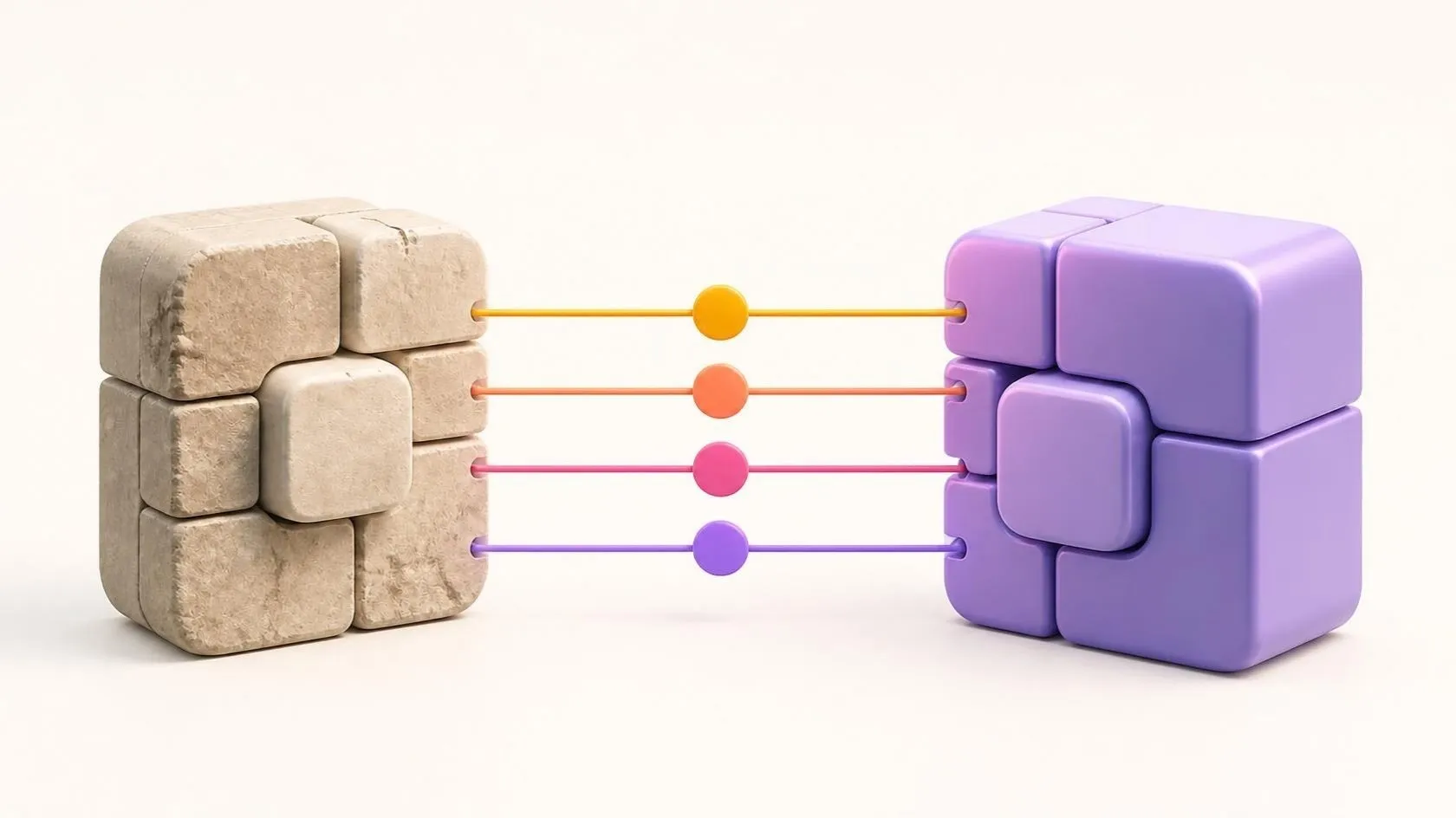
When the technology is outdated but the application contains valuable business rules, a gradual application rebuild is often the safest choice. The application is rebuilt module by module on current technology, while the old one stays in service. When the new modules replace the old ones one by one, in production, this is known as the strangler fig pattern, named after a plant that ends up replacing the tree it wraps around.
So that no rule is lost along the way, each rebuilt module must behave exactly like the old one. That is the role of parity tests: the same tests run on the old and the new version, and until they pass, there is no switch-over. This is the approach we follow in our legacy application modernisation projects.
Replacing: when off-the-shelf software does better
Your application may meet a need that has become standard. Off-the-shelf software can then replace it, provided the data is migrated cleanly and a few habits are adapted. We look at this choice in detail in Off-the-shelf or custom software: how to choose without regret.
What to avoid: the “big bang”
Rewriting the application in one go, without comparing it with the old one along the way, then switching over on a Monday morning and hoping nothing is missing: the idea is appealing on paper, but it is the riskiest approach. For months, nobody sees the result, the old application keeps changing on its side, and all the surprises arrive on the same day.
Self-assessment: does your application need a rebuild?
Tick the statements that describe your situation:
- Part of the technical foundation (language, components, system) no longer receives security updates.
- Available updates are left pending, for fear of breaking everything.
- Only one person really knows how the application works.
- There are no automated tests, or hardly any.
- Releases are done by hand, and they are a source of worry.
- Users regularly complain that it is slow.
- Your teams work around the tool with spreadsheets or re-keying.
- The application cannot exchange data with your other tools.
One or two statements ticked: a targeted upgrade may be enough. More than that, or the first one on its own: it is time to plan the modernisation, before it forces itself on you. Everything then starts with an assessment of the existing system, business rules included.
Frequently asked questions
How do you measure technical debt?
Partly with tools: code analysers such as SonarQube detect duplication, excessive complexity or insufficient test coverage. The most telling indicators, however, come from day-to-day work: the time it takes to deliver a simple change, the incidents after each release, the workarounds your teams have invented. An audit of the existing system brings both together.
Rebuild or modernisation: what is the difference?
A rebuild generally means reconstructing an application, often with a new interface. Modernisation is broader: it ranges from simply updating components to complete replacement, with gradual rebuilds in between. So modernising doesn’t always mean redoing everything.
How do you stop technical debt from coming back?
By setting aside room to pay it down in every work cycle: components updated regularly, automated tests and deployments, documentation kept up to date as you go. At Orange Business Services, our founder took part in this kind of automation work, with continuous integration based on Jenkins and SonarQube. Ongoing maintenance, for example through a monthly subscription, also stops overdue updates from piling up.
In short
Technical debt is not a failing: it is the price of time passing and of emergencies dealt with. It becomes a problem when it slows everything down, exposes your data and makes your company dependent on a single person. It can be reduced step by step: refactor what can be refactored, rebuild module by module what has to be rebuilt, and replace what has become standard.
Is your application showing several of these signs? Book a free 30-minute discovery call: we look at your situation with you. If it is justified, an audit of the existing system, carried out on the basis of a quote, then leads to a detailed, costed modernisation plan.
Let’s talk about it on a 30-minute discovery call, free and with no obligation.