Where to host a web app: shared, VPS, PaaS or cloud?
Where to host a web app: shared hosting, VPS, PaaS and cloud compared on upkeep, security, backups, growth, data location and the bill, plus a checklist.
 By Anass Chabbab · · 6 min read
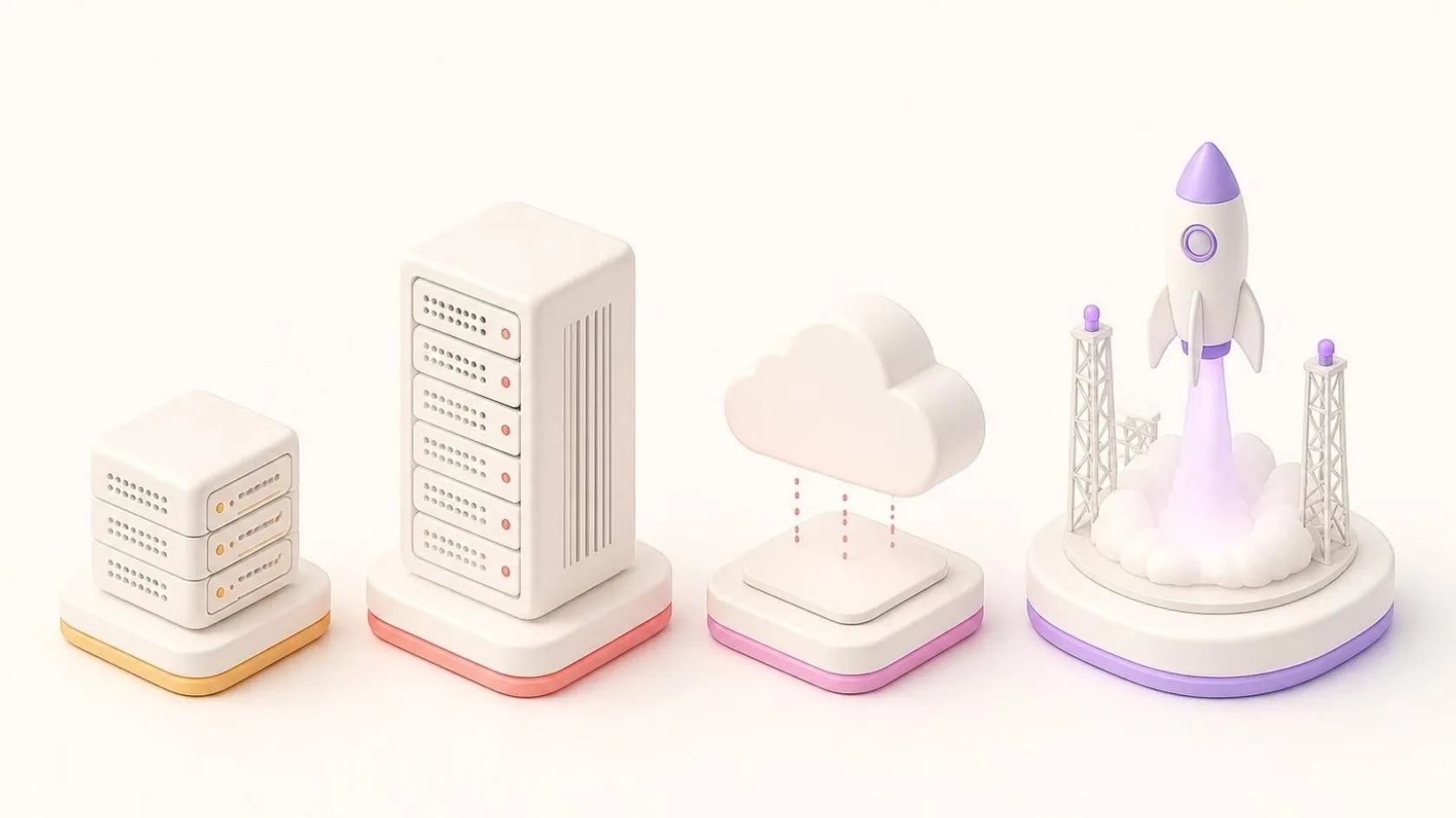

Your business application is built, or about to be rebuilt, and someone asks a simple question: where will it run? The answers sound like jargon: shared hosting, a VPS, PaaS, the cloud. Yet the choice decides who installs the security updates, who restores data after a mistake, where your customers’ records live and whether the bill holds surprises.
This guide explains where to host a web app in plain words. We compare the four families on what matters to an owner, with a decision checklist and the accounts to keep in your company’s name.
The four options, in plain words
Shared hosting
One server, shared with many other websites and run entirely by the host. It suits a brochure site or a small blog. For a business application it is usually too tight: you cannot choose your software versions, background tasks are limited, and a busy neighbour can slow you down.
Virtual private server (VPS)
A slice of a physical server that behaves like your own machine. Someone, you or your provider, installs and updates the operating system, the web server, the database, the firewall and the backups. You get full control and a fixed monthly fee, in exchange for real maintenance work.
Platform as a service (PaaS)
You hand over your code and the platform runs it. The operating system, its patches, the scaling and often the database are managed for you. As of October 2026, Microsoft Azure App Service and Elastic Beanstalk, from Amazon Web Services (AWS), are two examples among many. You still own your code and your data.
Cloud infrastructure (IaaS)
Infrastructure as a service: virtual machines, networks, storage and managed databases rented from a provider such as Microsoft Azure or AWS, and billed by use. It is the most flexible option and the one with the most decisions to make: network design, access rights, monitoring, cost alerts.
Web application hosting compared: who does what?
| Shared hosting | VPS | PaaS | Cloud infrastructure (IaaS) | |
|---|---|---|---|---|
| Who maintains the server | The host | You or your provider | The platform | You or your provider, helped by managed services |
| Security updates | Host for the server, you for the application | You: system, web server, database, application | Platform for the system, you for the application and its libraries | You for the machines, the provider for managed services |
| Backups | Basic, rarely tested | To set up and test yourself | Often included for the database; files to check | Available as services, to configure and test |
| Growth | Very limited | A bigger plan, moved by hand | More capacity in a few clicks, or automatically | Very wide, with design work |
| Data location | Often fixed by the host | Chosen with the data centre | Chosen by region | Chosen by region, service by service |
| Monthly bill | Fixed | Fixed fee | Base plan plus usage | Pay as you go, varies with use |
| Best for | Brochure sites | Steady apps with someone to maintain them | Most business apps and new online products | Large or complex systems, specific requirements |
The first line matters most. A fixed fee for a VPS does not include the hours spent keeping it up to date: count them, or the maintenance contract that covers them.
VPS vs cloud hosting: growth and the monthly bill
Fixed fee or pay as you go
A VPS or a shared plan is billed like rent: the same amount every month, whatever happens. Cloud services are billed like electricity: you pay for what you use, by the hour, the gigabyte or the request. Pay as you go suits an application whose use rises and falls; a fixed fee suits one with steady use.
If you choose usage billing, set a monthly budget with alerts from day one, and label every resource with its project. Most surprises come from something left running after a test. Our guide to cloud costs shows where the rest of the money goes and how to keep the monthly bill in check.
How much power you really need
A business application often needs less power than people expect. A tool used every day by a hundred or so people is usually a modest load for a single well-run server. It mostly needs reliability, backups and a clear owner.
So do not pay for millions of visitors before you have hundreds. If you are launching a software-as-a-service (SaaS) product, our guide to launching a minimum viable product explains how to keep the first version simple.
PaaS vs IaaS
PaaS gives you less to maintain and less freedom; IaaS lets you do everything and asks you to decide everything. For most small and medium-sized enterprises (SMEs), PaaS is the sensible starting point, and a VPS remains a good choice when someone is clearly in charge of maintaining it. IaaS earns its place for specific needs, or a team that already knows it. If your servers already exist and you want to move them, that is a different exercise: see our cloud migration plan.
Data location and security: the questions to ask
Where your data sits can be a legal question as well as a technical one. In the European Union, the General Data Protection Regulation (GDPR) sets conditions on transfers of personal data outside the European Economic Area; Australia, the United Arab Emirates and many other countries have their own rules. Before you sign, ask:
- In which country, and which region, will the data and its backups be stored?
- Does the provider offer a data processing agreement, and which certifications does it list?
- Who can access the servers as an administrator, and is two-step login required?
- Are the data and the backups encrypted, and who holds the keys?
This article gives general guidance as of October 2026. It does not replace advice from your lawyer, who should confirm the rules that apply to your data and your country.
Where to host a web app: a decision checklist
- Is it a brochure site or an application? A few pages and a form: shared hosting is enough. Logins and data: read on.
- Who will maintain the server? No one with the time or skills: prefer PaaS, or a provider with a maintenance contract.
- How steady is the use? Steady: a fixed fee is easy to plan. Seasonal or growing fast: usage billing and automatic scaling help.
- Where must the data live? Check the region is available before choosing a provider, not after.
- How fast must you recover? Decide how much data you could afford to lose and how long you could be down, then check backups match.
- Can you leave? Prefer standard technologies, so the application can move to another host without a rewrite.
- Is the bill readable? You should understand next month’s invoice before it arrives.
The accounts to keep in your company’s name
Whatever you choose, the accounts that control your application belong to your company, not to a developer or an agency. Your provider gets access as a user you can remove; you stay the owner.
- The domain name and its registrar account.
- The DNS (Domain Name System) settings, often at the registrar.
- The hosting or cloud account, with your company’s billing details.
- The code repository, where the source code and its history live.
- The backup storage, ideally separate from the main hosting.
- The alert and admin email addresses, on a shared company mailbox rather than a person’s.
Keep the passwords in a company password manager. This is what makes changing software provider a calm handover rather than a negotiation. When we build a custom application, the hosting is set up in your name from the first day, and we can maintain it for you if you wish.
Frequently asked questions
Is a VPS better than cloud hosting?
Neither is better in general. A VPS gives a fixed monthly fee and full control, but someone must apply updates and test the backups. Cloud hosting offers more services and room to grow, billed by use. For a steady application with a clear maintainer, a VPS works well; for changing use or a team without system skills, a managed cloud platform is usually easier.
What is the difference between PaaS and IaaS?
With IaaS you rent infrastructure (machines, storage, networks) and manage what runs on it: operating system, updates, security settings. With PaaS you hand over your application and the platform manages the system underneath. Many applications mix both, for example code on a PaaS and a managed database next to it.
Can a business web app run on shared hosting?
A very small internal tool can, but it is rarely a good idea. Shared hosting limits background tasks, software versions and security settings. Once real business data and logins are involved, a VPS or a PaaS gives you the control, backups and isolation you need.
In short
Shared hosting suits brochure sites; a VPS suits steady applications with a clear maintainer; PaaS suits most business applications; cloud infrastructure suits large or specific needs. Compare them first on who maintains what, then on backups, data location and how predictable the bill is. Whatever you choose, keep the domain, hosting, code and backup accounts in your company’s name.
Not sure where your application should run? Book a free 30-minute discovery call: we look at your application and your constraints together, and suggest the hosting that fits.
Related servicesCustom softwareWebsites and web appsSaaS products
Let’s talk about it on a 30-minute discovery call, free and with no obligation.
Get our next articles in your feed: follow AnazTech on LinkedIn.Follow on LinkedIn