End-of-life software: the security risk and your options
End of life software explained: why it is a security risk, how to list what each application depends on, which stop-gaps help, and how to plan the upgrade.
 By Anass Chabbab · · 7 min read
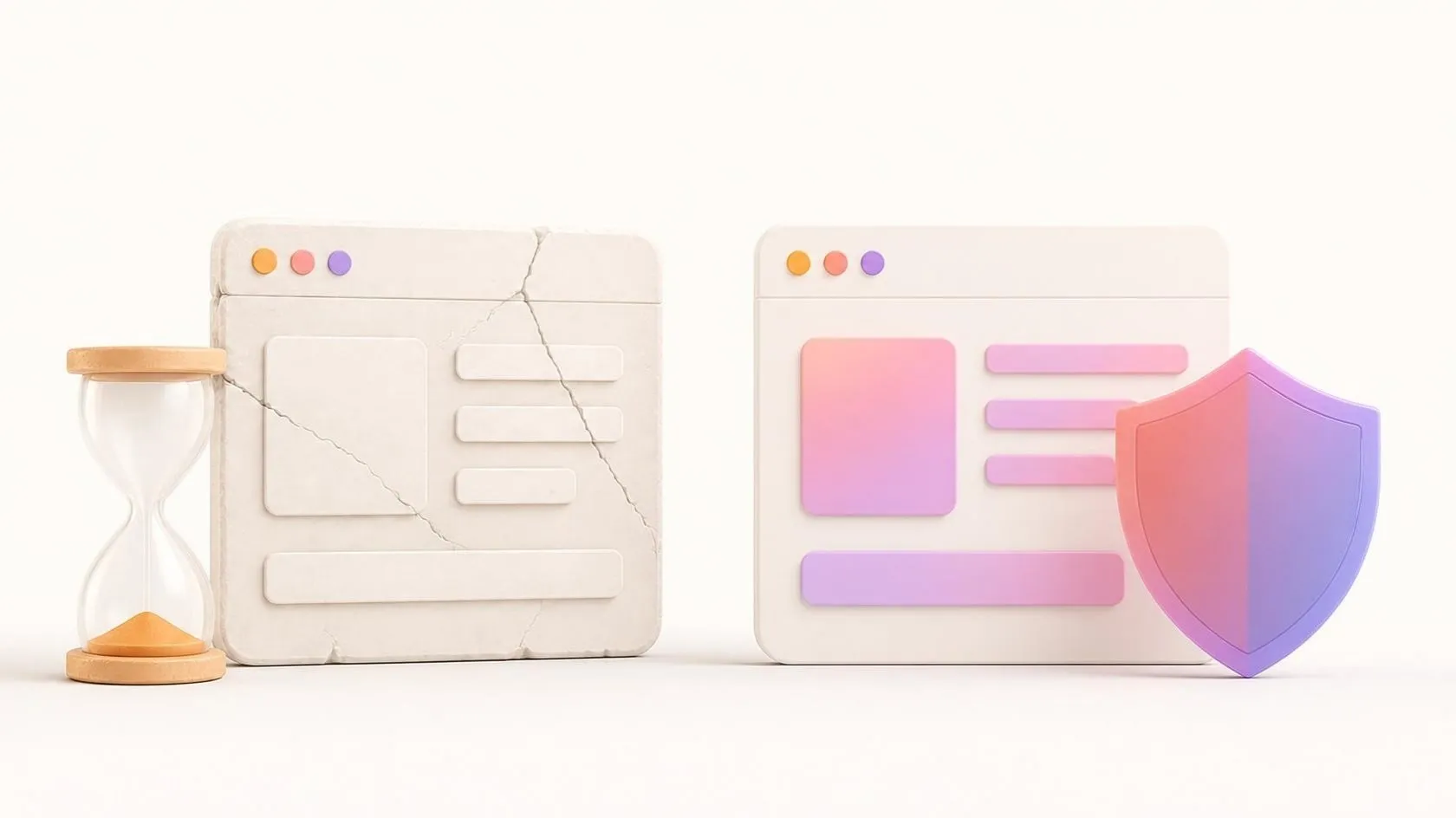

Your business application still works. Customers log in, invoices go out, nobody complains. But somewhere underneath it, the operating system, the programming language or the database may have stopped receiving security fixes months or years ago. That is what end of life software means in practice: it keeps running, but nobody repairs it any more.
This guide is for owners of business applications and IT managers: what “end of life” covers, why it is a security risk, how to list what each application depends on, which stop-gaps reduce your exposure, and how to choose between upgrading and rebuilding. It includes an inventory template you can fill in this week.
What end of life software means
Every piece of software has a support life: its vendor or open-source project publishes fixes for a while, then stops. The words vary, so it helps to separate three stages:
- Active (or mainstream) support: new features and bug fixes, plus security fixes.
- Security support only: no new features, but known vulnerabilities are still fixed.
- End of life (or end of support): no fixes at all, including security fixes. The software may still run perfectly.
Some vendors add a fourth stage: paid extended support, which delivers security fixes for a limited time to customers who pay for them.
It applies to every layer, not only the application
A business application stands on several layers, and each one has its own calendar:
- The operating system of the server and of the workstations that use it. Example: Microsoft ended support for Windows 10 on 14 October 2025, with paid Extended Security Updates offered for a limited period.
- The programming language or runtime (PHP, Java, .NET, Node.js, Python). Example: PHP 7.4 stopped receiving security fixes on 28 November 2022, according to php.net.
- The framework the application is built with, and each of its libraries.
- The database (MySQL, PostgreSQL, SQL Server, Oracle).
- Everything around it: the web server, the browser plug-ins it requires, the firmware of the network devices in front of it. Outside services move on too: an old application or printer that can only send email with a password may stop sending when Microsoft 365 switches off SMTP basic authentication by default at the end of December 2026.
A recent framework does not help if it runs on an operating system that no longer gets fixes. The weakest layer sets the level of the whole application. Many of these layers are open-source components: our guide to open source in business explains what to check before adopting one, including whether the project is still actively maintained.
Why unsupported software is a security risk
The main risk is simple: when a vulnerability is found, it is published, and no fix will come. Attackers read the same public lists as defenders, and the list of known, unfixed flaws in an unsupported component only grows.
Three other risks are less visible:
- The upgrade chain locks up. An old runtime cannot run the newer versions of your libraries, so you cannot update those either, even when they do still get fixes.
- Skills and tools disappear. Fewer developers know the old versions, and current security tools may no longer support them.
- Questions from outside become harder to answer. Clients’ security questionnaires and cyber-insurance forms may ask whether your systems are supported. In the European Union, the GDPR (General Data Protection Regulation) requires a level of security “appropriate to the risk” for personal data; other countries have comparable rules. Whether a given unsupported system meets that bar is a question for your lawyer, not for this article.
None of this means a breach is certain. It means the risk, and the cost of catching up, rise every month. Our cybersecurity guide for SMEs covers the basics that apply to every system, supported or not.
How to list what each application depends on
You cannot plan what you have not listed.
Step 1: list your applications
Start with the applications that hold customer data, send invoices or would stop work if they failed. The small tools can wait.
Step 2: list the layers under each one
For each application, write down the operating system, the language or runtime, the framework, the database and the main libraries, with their exact version numbers. A project’s dependency files (such as composer.json or package.json) already list the libraries.
Step 3: find each end-of-support date at the source
Look up each version on the vendor’s or the project’s own lifecycle page, and note the date you checked. Community sites that gather these dates are a convenient start, but confirm on the official page: dates do change.
Step 4: rate the exposure
An unsupported component on a server open to the internet is not the same as one on an isolated machine used by two people. Note who can reach it and what data it holds.
Step 5: give each line an owner and a review date
Someone must own each line, and the whole list should be reviewed at least twice a year.
Inventory template
| Application | Component (type) | Version in use | End of security support (date checked, source) | Reachable from | Data held | Next action |
|---|---|---|---|---|---|---|
Illustrative example (fictitious figures):
| Application | Component (type) | Version in use | End of security support | Reachable from | Data held | Next action |
|---|---|---|---|---|---|---|
| Client portal | Runtime | Version A | Ended 2 years ago | Internet | Client files | Upgrade plan this quarter |
| Client portal | Database | Version B | Ends in 8 months | Internal only | Client files | Schedule upgrade |
| Stock tool | Operating system | Version C | Ended last year | Two office PCs | Product list | Isolate, then replace |
The table usually shows one or two lines that need attention now; the rest can follow a normal calendar. For a broader view of your systems, see our article on the IT audit.
Stop-gap measures for legacy system security
An upgrade or a rebuild takes time. Meanwhile, you can lower the exposure. Be clear about one thing: these measures reduce the risk, they do not remove it. A known, unfixed vulnerability is still there.
- Isolate it. Move the system to its own network segment, away from the internet if possible, and let it talk only to the systems that need it.
- Restrict access. Fewer accounts, strong authentication, access through a virtual private network (VPN) rather than directly from the internet.
- Put a filter in front. For a web application, a web application firewall (WAF) can block some known attacks, but not flaws in your application’s own logic.
- Monitor it. Keep logs, watch for unusual logins and changes, and make sure someone reads the alerts.
- Buy extended support where it exists. Some vendors sell security fixes beyond the official end of support, for a limited period. It buys time; it does not change the destination.
- Test your backups. If the worst happens, a backup you have actually restored is what gets you back to work.
Our article on web application security goes further on protecting an application that faces the internet.
Planning the upgrade or the rebuild
Once the inventory is done, each critical line leads to one of four options:
- Upgrade in place: move to a supported version of the same component. Often the cheapest route when the gap is small.
- Migrate the platform: keep the application but move it to a supported operating system, database or hosting.
- Replace it with an off-the-shelf product, when a standard tool now does what your custom one did.
- Rebuild it on a current stack, when the gap is so large that an upgrade would touch nearly every file.
How to tell which situation you are in, and when modernising pays off, is covered in our article on technical debt and modernisation: its warning signs apply directly here. When you rebuild, parity testing checks that the new version still does what the old one did. Our modernisation service covers this kind of work.
Make the next upgrade routine
The deeper fix is to stop the gap from growing. Automated tests and continuous integration, where every change is built and checked automatically, make small, regular upgrades safe. On the Orange Business Services projects led by our founder, Anass Chabbab, in his previous roles, build and test automation relied on continuous integration with Jenkins and SonarQube. A team with that safety net can take a new version every few months instead of facing a large migration every few years. If an outside provider looks after your application, a maintenance contract that covers updates and security patches puts this routine in writing.
Frequently asked questions
Can you keep using software after its end of support?
Technically, yes: it keeps running. The question is the risk you accept. If it is isolated, holds little sensitive data and will be replaced soon, keeping it for a while with the stop-gap measures above can be a reasonable choice. If it faces the internet or holds client data, plan the move now and write down who accepted the risk and until when.
Is paid extended support worth it?
It can be, as a bridge with a fixed end date. It gives you security fixes while you upgrade or rebuild, without rushing the project. It is not worth it as a way to postpone the decision: the cost usually continues, the period is limited, and the gap with current versions keeps growing.
How often should we check software end-of-support dates?
Review the inventory at least twice a year, and whenever you add an application or change provider. Vendors sometimes extend or change their dates, so a date you checked two years ago may no longer be right.
In short
End of life software keeps running but no longer receives security fixes, and that applies to every layer: operating system, language, framework, database. List what each application depends on, with versions and dates checked at the source. Use isolation, restricted access, monitoring and extended support to buy time, knowing they reduce the risk without removing it. Then choose between upgrading, migrating, replacing and rebuilding, and make the next upgrade routine.
This article gives practical guidance as of October 2026. It does not replace the advice of your security adviser or, for regulatory obligations, your lawyer.
Not sure which of your systems are already out of support? Book a free 30-minute discovery call: we look at your applications together and decide where to start.
Related servicesModernisationCustom software
Let’s talk about it on a 30-minute discovery call, free and with no obligation.
Get our next articles in your feed: follow AnazTech on LinkedIn.Follow on LinkedIn