From installed software to SaaS: a migration guide
How to convert software to SaaS: what changes in architecture, updates, support, pricing and contracts, three migration paths, and how to move your customers.
 By Anass Chabbab · · 6 min read

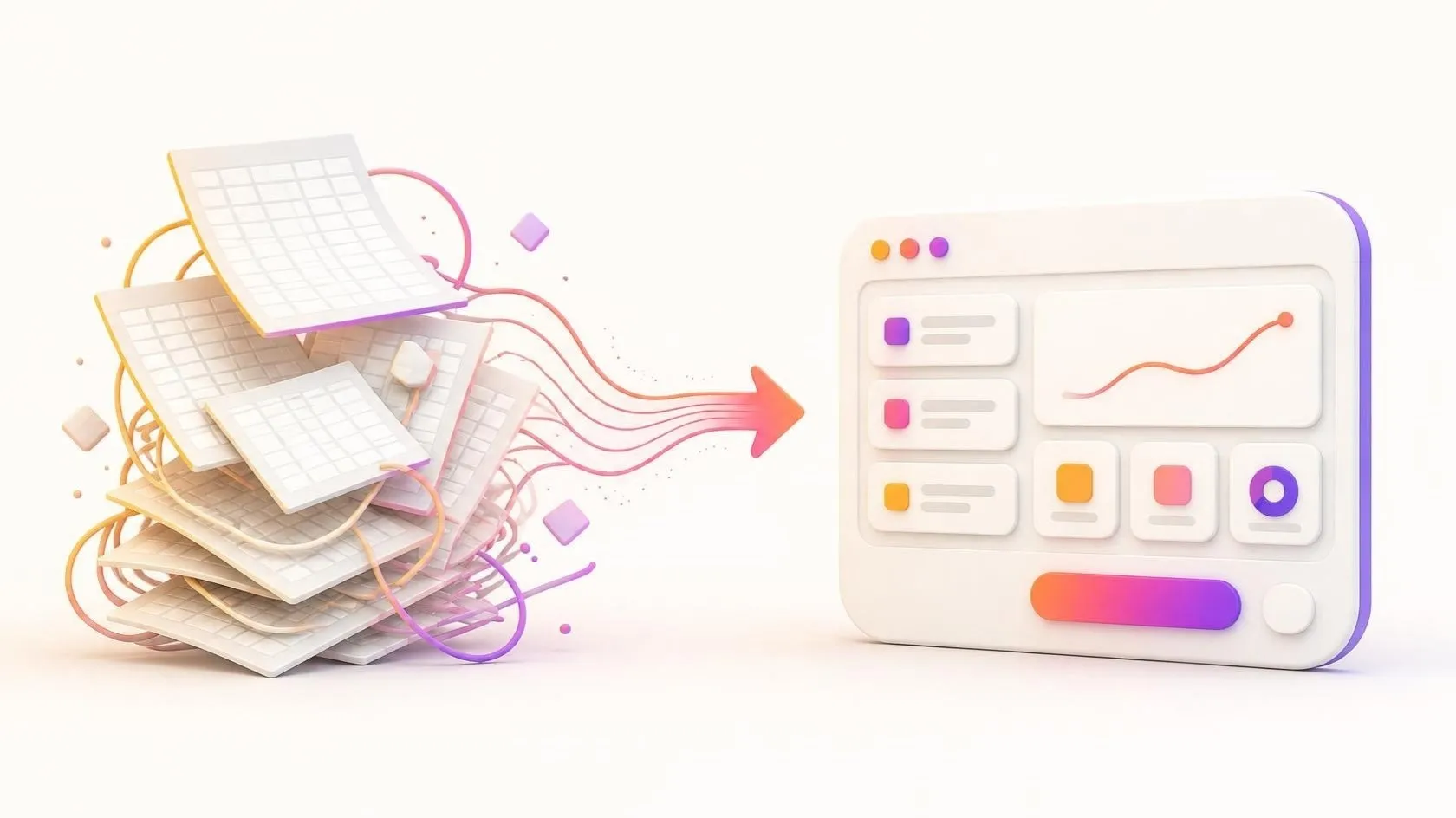
Your software runs on your customers’ computers or servers. Every new version means installers and a support team juggling several releases. Meanwhile, customers ask to work from anywhere, and some would rather subscribe than buy a licence. If you are wondering how to convert software to SaaS (software as a service), this guide is for you: software publishers, and companies with an internal tool they want to sell.
We cover what changes, the three migration paths, and how to bring your existing customers along.
What changes when you convert software to SaaS
You stop selling a product that customers run, and start running a service that they use. Five things change.
Architecture: one platform, many customers
Installed software serves one customer per installation. A SaaS application usually serves all of them from one platform: this is called multi-tenancy. Each customer’s data must stay strictly separate, every request must know which customer it belongs to, and settings that lived in a local file move into the database. Desktop software also needs a new interface, in most cases a web application that runs in the browser.
Updates: one version for everyone
No more installers, and no more customers stuck three versions behind. You deploy one version, for everyone, as often as you need. That only works with automated tests and deployments, because a bug now reaches all your customers at once.
Operations and security: the servers are yours
Hosting, backups, monitoring, availability and security become your job. Your customers’ data now lives with you, so you are accountable for protecting it.
Support: fewer environments, higher expectations
Support no longer has to reproduce a problem on one customer’s particular set-up: you see the same system they do, with its logs. In return, customers expect the service to be available, and an incident affects everyone.
The business model: subscriptions instead of licences
Revenue arrives every month or year instead of in one large sale followed by maintenance. Pricing, contracts and cash flow change too, as we see below.
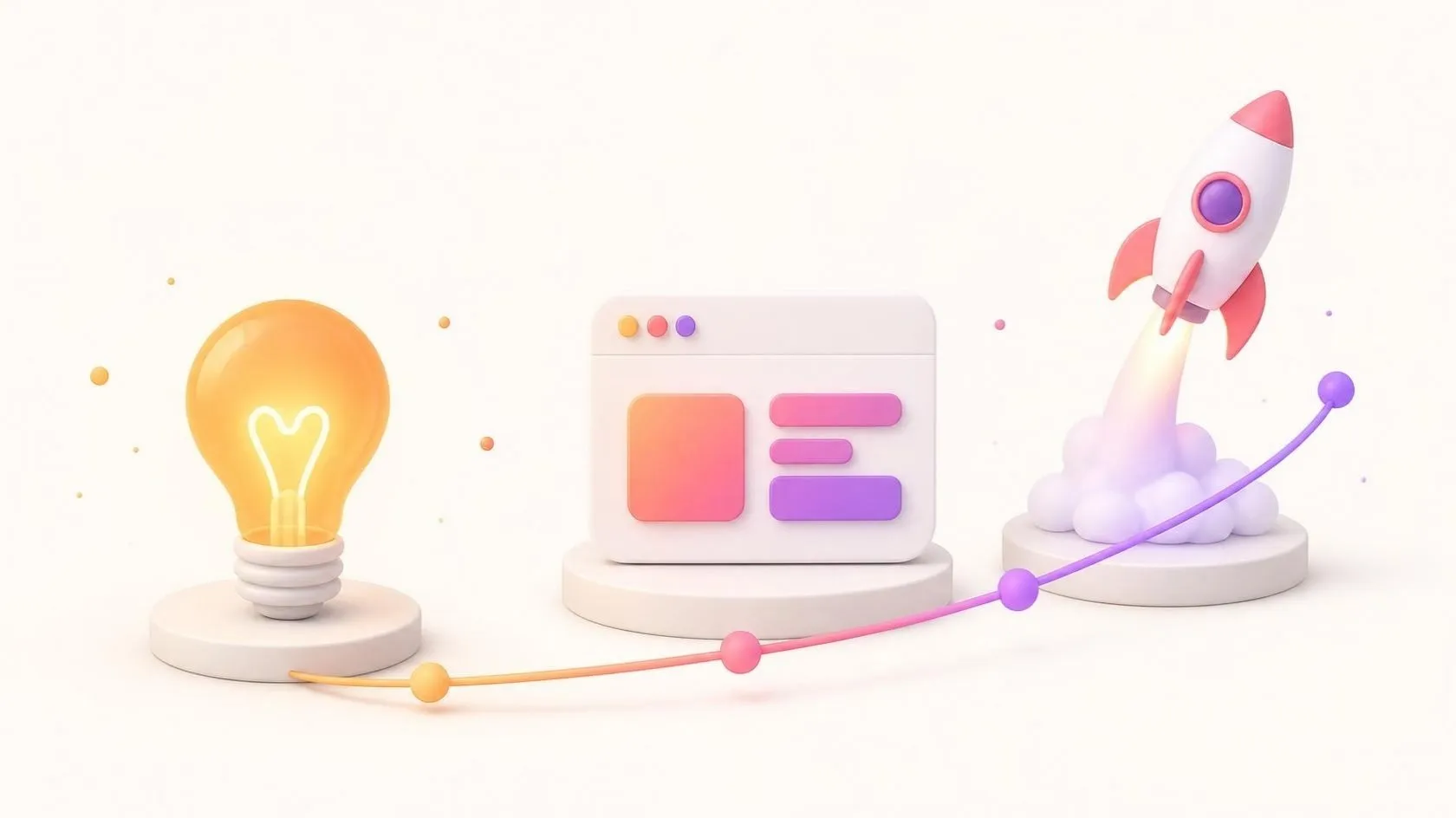
Three migration paths, from quickest to most complete
1. Hosted: your software, on your servers
You run the existing application on servers you manage, one installation per customer, and sell access by subscription. For desktop software, this can mean giving access through a remote desktop. It is the quickest route, and the code barely changes. But you still manage as many installations as you have customers, so costs and update work grow with each new one. A sensible first step, rarely the destination.
2. Progressive re-platforming
You keep the core of the application and modernise it piece by piece: a web interface, a shared database with each customer’s data kept apart, automated deployment. Old and new parts live side by side for a while. This path suits software whose business logic is sound but whose foundations have aged: it is the approach we describe for dealing with technical debt.
3. Rebuild as a native SaaS
You rebuild the product for the web and for many customers from the start, reusing your knowledge of the business rather than the code. It is the most demanding path and the riskiest, but sometimes the only reasonable one, when the code is very old or tied to a technology with no future. Treat it as a new product: start with a focused first version, a minimum viable product (MVP), as we explain in launching a SaaS MVP, and add the rest in stages.
Decision grid
| Hosted | Progressive re-platforming | Rebuild | |
|---|---|---|---|
| Changes to the code | Minimal | Gradual | Complete |
| Time before the first customer moves | Shortest | Medium | Longest |
| Running cost of each new customer | High | Falls over time | Low |
| Risk for existing customers | Low | Controlled, step by step | Highest |
| Best when | You want to test demand quickly | The business logic is sound | The technology has no future |
One honest note: if your customers are few, satisfied and in no hurry to change, a full conversion may not be worth it yet. A hosted option for those who ask can be enough for now.
The SaaS business model transition: pricing, cash flow and contracts
Pricing
Moving from a licence to a subscription means choosing what customers pay for: users, volume, features or a mix. Pick a measure that grows with the value customers get, and keep it simple enough to explain in one sentence.
Cash flow
A licence brought in a large sum at signature; a subscription spreads the same customer’s revenue over time. During the transition, income can dip before it grows again, while you are paying for development and hosting. Plan that period with your accountant before you announce anything.
Contracts and accounting
Your licence agreement becomes a subscription agreement: service levels, availability, support hours, who owns the data, how a customer gets it back when they leave. If you host personal data for customers in the European Union, the GDPR (General Data Protection Regulation) generally treats you as their processor, which calls for a data processing agreement with each of them (as of October 2026). Revenue recognition and tax on subscriptions also differ from one-off licences, and the rules depend on the country.
This article gives practical pointers. It does not replace the advice of your accountant or lawyer, who should confirm the contractual, tax and accounting points for your country.
How to move existing customers: the on-premise to SaaS migration
Your existing customers are your most valuable asset in this transition. Some will welcome the change; others have solid reasons to stay on their own servers, such as a security policy, a poor internet connection or sector rules.
Start with volunteers
Choose a few pilot customers who are open to change and representative of your base. Move them first, listen, fix, then widen.
Migrate the data, then check it
Every installation has its own history: custom settings, local fields, years of records, sometimes direct edits in the database. Write a migration script for each version still in use, test it on real copies (with the customer’s agreement), and check the result with the customer before the switch.
Prove that the new version behaves like the old one
Before each move, compare the results of the old and the new version on the same cases: that is the purpose of parity tests.
Set a clear timeline for the installed version
Say how long the installed version will be maintained, what it will still receive (security fixes only, for example) and what you offer those who move: help with migration, training, a transition period. Avoid forcing customers abruptly, and avoid maintaining two products forever.
Automate early
Automated deployment is what makes “one version for everyone” possible. Our founder saw it at Orange Business Services, on a pre-sales tool used by more than 500 people: continuous integration with Jenkins and SonarQube, and Banque Populaire workstations set up in one click instead of half a day or more. Read about that project.
Checklist before you start
- Do we know which customers want SaaS, and why?
- Have we chosen a path (hosted, re-platforming or rebuild), and can we explain the choice?
- Is each customer’s data kept apart, and is that separation tested?
- Do automated tests cover the main business rules?
- Are deployments, backups and monitoring automated?
- Has our accountant reviewed the cash-flow plan and revenue recognition?
- Has a lawyer reviewed the subscription agreement and the data processing terms?
- Do we have pilot customers, a migration script and a published timeline for the installed version?
Each “no” is a step on your roadmap: our SaaS expertise covers them all.
Frequently asked questions
Can I convert desktop software to SaaS without rewriting it?
Partly. Hosting it and giving remote access works without major changes, and is a good way to test demand. But to get the full benefits of SaaS (one version for everyone, a browser interface, a lower running cost per customer), the interface and the data layer usually have to be rebuilt. The business logic, on the other hand, can often be reused if it is well separated from the rest of the code.
Should we keep selling the on-premise version?
It depends on your customers: in some sectors, there are good reasons to host software in-house. If you keep it, limit the differences with the SaaS version: same code, same releases, different packaging. Two products developed separately quickly double your maintenance.
Do we need multi-tenancy from day one?
Not necessarily. One installation per customer is acceptable at the start, especially with a handful of customers. But design for multi-tenancy from the beginning: a customer identifier on every record, and no settings left in local files. The later move will be far easier, because as the number of customers grows, separate installations become costly to update and monitor.
In short
Converting software to SaaS changes your product, your operations and your business model at the same time. Choose your path, whether hosted, progressive re-platforming or rebuild, according to your code and your customers rather than fashion. Plan cash flow, contracts and data protection with your accountant and your lawyer. And move your customers in stages, with checked data and proven parity.
Thinking of moving your software to SaaS? Book a free 30-minute discovery call: together, we’ll look at your product, your customers and the migration path that suits them.
Let’s talk about it on a 30-minute discovery call, free and with no obligation.