Appointment booking software: how to choose the right one
How to choose appointment booking software: the features that matter, three ways to add online booking, a selection checklist and the set-up mistakes to avoid.
 By Anass Chabbab · · 6 min read
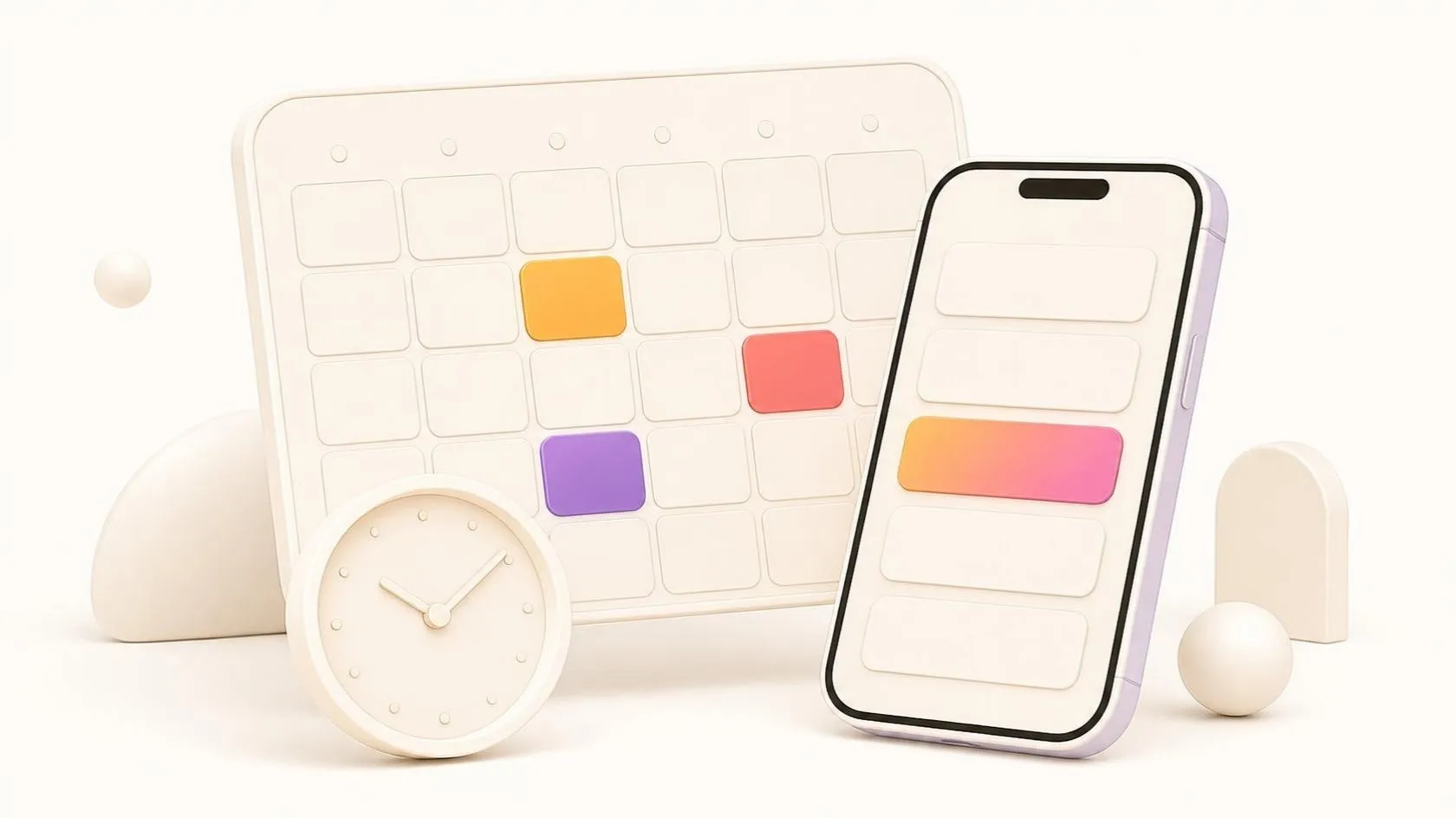

The phone rings in the middle of a consultation, a client emails to move Thursday to Friday, and someone copies the change into a diary. For a practice, a clinic or any service business, appointments are the backbone of the day, and taking them by phone and email costs time on both sides. Appointment booking software lets clients choose a slot themselves, within rules you set.
This guide covers what a good tool does, the three ways to add online booking, a checklist to compare options, and the set-up mistakes we see most often.
What appointment booking software actually does
At its simplest, appointment scheduling software shows clients the free slots in your calendar and lets them book one. The value lies in the rules behind those slots. Before you compare products, list the ones you need:
- Availability rules. Opening hours, days off, the services each person offers and how long each takes.
- Buffers. Time between appointments to write notes, prepare a room or travel, added automatically.
- Several staff and locations. Each practitioner has a calendar, and some services also need a specific room or piece of equipment.
- Time zones. Essential for video appointments or clients in other regions: they see slots in their time, your team in yours.
- Reminders. Automated appointment reminders by email or text message, with a link to confirm, cancel or reschedule.
- Cancelling and rescheduling. A clear policy, such as no online changes in the last 24 hours, applied by the tool rather than argued over the phone.
- Deposits. Useful for long or costly appointments, which means connecting a payment provider and setting refund rules.
- Calendar sync. Two-way sync with the calendars your team already uses, so a private meeting blocks the slot and every booking lands in the right diary.
A solo consultant may need only the first, fifth and last. A clinic with several practitioners and rooms needs almost the whole list.
Three routes to an online booking system for your business
There are three ways to add online booking. None is better in general: the right one depends mostly on where your client records already live.
1. A standalone booking tool
A subscription service that does booking and nothing else. It is quick to set up and good enough for many small businesses. The limit: client details now live in one more place, and someone has to keep them in step.
2. The booking module of your practice software or CRM
If you already use practice management software or a customer relationship management (CRM) system, check whether it offers booking, built in or as a well-supported extension. Appointments then sit next to the client file and its history. For law firms, we cover that software in law firm practice management software. The limit: these modules are sometimes less flexible than specialist tools.
3. Booking built into your own website or customer portal
Booking becomes part of your website, or of a customer portal where clients also find their documents and messages. It gives the smoothest experience and keeps data in one place, but it is a development project, worth it only when your rules are unusual or booking is central to your service. Building on an existing booking engine through its API (application programming interface) is often a sensible middle way.
| Standalone tool | Module of your software or CRM | Built into your site or portal | |
|---|---|---|---|
| Set-up effort | Low | Low to medium | Medium to high |
| Unusual rules | Limited | Limited | Fully covered |
| Client data | One more place to maintain | Next to the client file | In one place |
| Best when | You need booking now, with standard rules | Your software already holds your clients | Booking is central to your service |
The wider question of buying or building is covered in off-the-shelf or custom software. For booking, our honest advice is that most businesses should start with route 1 or 2. We help with routes 2 and 3 as part of our web development work. We are also preparing our own Appointment booking product: online booking at any time, in the client’s own time zone, with automatic reminders and calendar sync. It is in preparation, not yet available, and you can follow it on our products page.
Health data, reminders and consent
Appointment data says more than it seems: a booking with a psychologist reveals something about a person’s health.
As of October 2026, and in general terms: in the European Union, the General Data Protection Regulation (GDPR) treats health data as a special category with stricter conditions, and in Australia the Privacy Act 1988 treats health information as sensitive information. Rules on reminders sent by text message or WhatsApp also vary by country: the consent you need, what the message may say and when it may be sent.
In practice, ask where a tool stores data, who at the vendor can access it, and whether it signs a data processing agreement. Keep reminders to the date, time, place and a link, never the reason for the visit, and record how each client agreed to be contacted.
This section gives practical pointers. It does not replace advice from your lawyer or data-protection adviser, who should confirm the rules that apply in your country and sector.
A checklist for choosing appointment booking software
Use these questions to compare two or three shortlisted tools. A “no” is not always a deal-breaker, but know it before you sign.
Rules and calendars
- Can it model our services, durations and buffers exactly as we work today?
- Does it handle every staff member, room and location we have?
- Does two-way sync work with our calendars, and how quickly does a change appear?
The client’s experience
- Can a client book, cancel and reschedule on a phone in a few taps, without creating an account?
- Is the booking page accessible, in our clients’ languages and time zones?
- Can we choose when reminders go out, by which channel, and what they say?
Data, money and contract
- Can we export all our data, history included, and does the tool connect to our CRM or offer an API?
- How are deposits taken and refunded?
- How does the price change as staff, locations or message volumes grow?
Then test it for a real week: ask a few colleagues and trusted clients to book, cancel and reschedule before you commit.
Set-up mistakes to avoid
Double bookings
They usually come from two calendars that both accept appointments: phone bookings still go into the old diary, online bookings into the new tool. Choose one source of truth from day one, and have reception book through the same tool as clients.
Reminders nobody reads
A reminder sent a week early, from an unknown sender, with no way to reply, gets ignored. Send it at a useful moment, from a name clients recognise, with one clear link to confirm or change.
Client data kept in too many places
Booking tool, CRM, accounting software, a spreadsheet at reception: four versions of the same phone number, none quite right. Decide which system owns client details, and connect the others to it. The same principle guided a custom CRM/ERP (enterprise resource planning) system for a Sydney law firm, led by our founder, Anass Chabbab, in his previous roles: one shared record per client with role-based access, a first release in under 6 months, 100+ users and 40% less processing time.
Frequently asked questions
Is a free online booking system enough for a small business?
Often, yes. With one or two people, standard services and no deposits, the free or entry-level plan of a standalone tool may do the job. Check whether reminders are included, whether you can export your client data, and what the plan’s limits are once you grow. Moving later is possible, but history and client details then have to be migrated with care.
Do automated appointment reminders need the client’s consent?
It depends on the country, the channel and the content. Some countries treat a factual reminder about an appointment the client booked differently from a marketing message, and text messages, WhatsApp and health data each have their own rules. As of October 2026, ask your lawyer or data-protection adviser what applies where you operate, record how each client agreed to be contacted, and keep health details out of reminders.
In short
Appointment booking software saves your team and your clients the back-and-forth of phone and email, provided its rules match how you really work. Start from your needs, choose the route that keeps client data in as few places as possible, and check your country’s data and consent rules before you switch on reminders.
Still taking appointments by phone and email, or running a booking tool that does not talk to your CRM? Book a free 30-minute discovery call: we look at how you work today and which route fits, even if the answer is a ready-made tool.
Related servicesWebsites and web appsCRM
Let’s talk about it on a 30-minute discovery call, free and with no obligation.
Get our next articles in your feed: follow AnazTech on LinkedIn.Follow on LinkedIn