Automating invoice processing with an AI agent
AI invoice processing: how an AI agent reads your invoices, matches them to purchase orders in your ERP, flags discrepancies and leaves the approval to you.
 By Anass Chabbab · · 6 min read

Open the email, download the PDF, copy out the supplier, the amounts and the references, find the order, check that everything matches, chase it up when it doesn’t, then get it approved. In many companies, every supplier invoice still goes through this routine by hand.
This is precisely the kind of task an AI agent can take on. Automating invoice processing doesn’t mean handing everything over to a machine: the agent does the repetitive work, and your team keeps the final say on decisions. Here is how it works, step by step, and how to get started while staying in control.
Why invoices lend themselves so well to automation
Invoice processing meets every criterion of a good task to automate:
- A steady volume: invoices arrive every week, and each one follows the same path.
- Clear rules: an invoice must match an order, a delivery and agreed prices. A discrepancy is easy to define.
- Varied formats that AI can now read: PDFs, scans, photos, invoices pasted into the body of an email. Traditional optical character recognition (OCR) tools read the characters, but they often had to be set up supplier by supplier. An AI model analyses the document as a whole: it finds the invoice number or the total excluding tax, even when the layout changes from one supplier to the next.
- A very real hidden cost: re-keying, typos, invoices paid twice, late-payment penalties, suppliers chasing payment.
AI invoice automation tackles all of this at once, provided it is properly supervised.
Automated invoice processing, step by step
1. Collect and sort
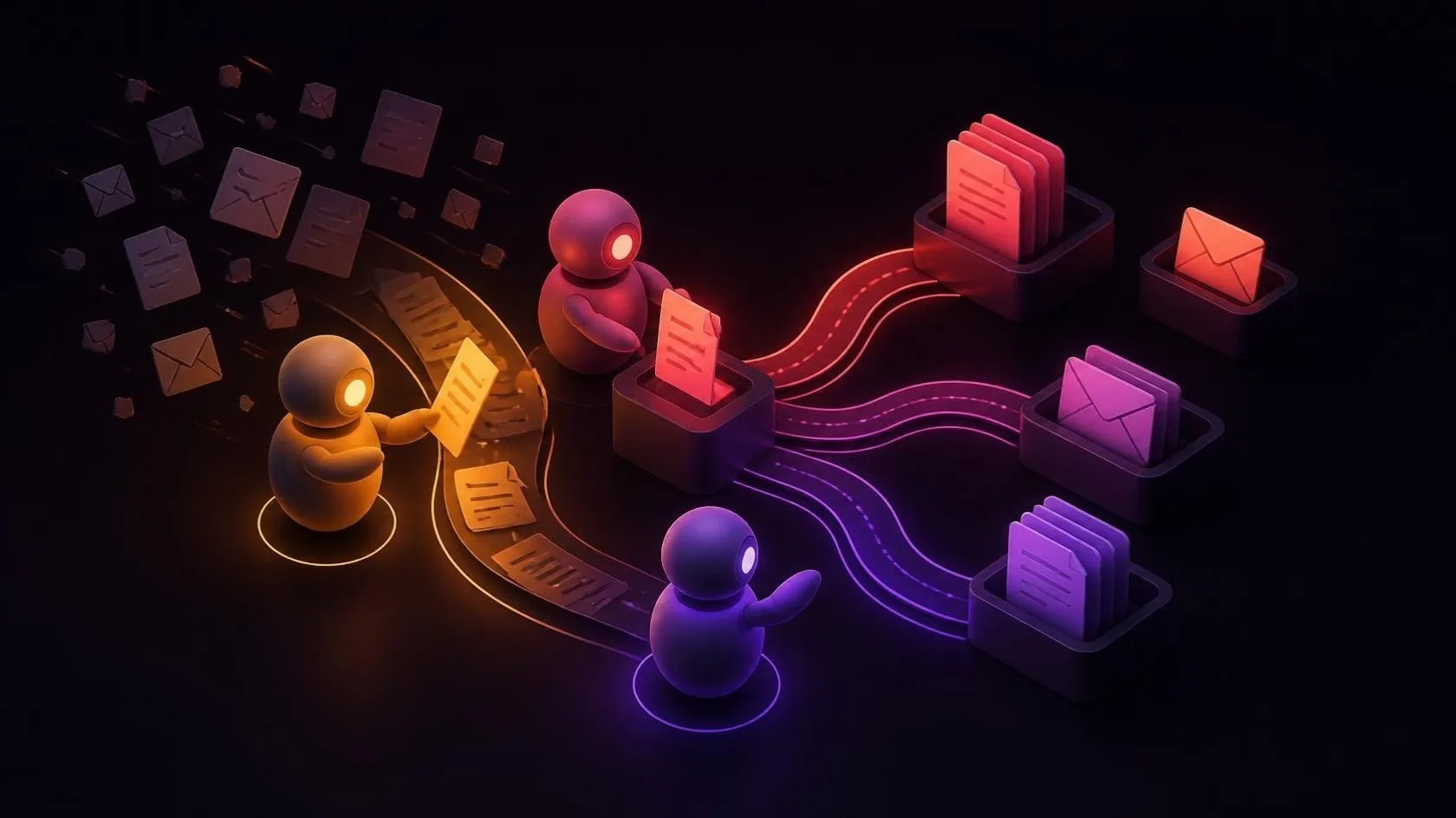
The agent monitors an email address dedicated to invoices, or a shared folder. It tells invoices apart from the other documents that come in: quotes, reminders, delivery notes, advertising. It also spots duplicates, for example the same invoice received twice through two different channels.
2. Read and extract the data
For each invoice, the agent extracts the useful information and puts it into a structured form:
- the supplier and its identification numbers (VAT number, company registration number);
- the invoice number, date and due date;
- the order reference;
- the lines: items, quantities, unit prices;
- the amounts excluding tax, the VAT and the total;
- the bank details.
It is also asked to flag its doubts: when a scan is blurry or a field is missing, the invoice goes to a person for checking, rather than leaving the agent to guess.
3. Check the invoice itself
Before even looking for the order, the agent checks that the document is consistent. Does the total match the sum of the lines? Is the VAT calculated correctly? Does the supplier exist in your ERP? Are the bank details the ones already on file?
That last point is essential: an unexpected change of bank details is one of the classic warning signs of invoice fraud.
4. Match the invoice to the order
The agent finds the corresponding order in the ERP and compares each line. This is the key step, and we look at it in detail below.
5. Prepare the entry
When everything checks out, the agent prepares the entry in the ERP or your accounting software: supplier, amounts, proposed account coding, due date. It files the invoice and its supporting documents in the right place, then submits it for approval according to your rules.
Matching invoices to orders: the heart of the system
Matching invoices to purchase orders means checking that what is invoiced corresponds to what was ordered and, ideally, to what was received. There are two levels:
- two-way matching: the invoice is compared with the purchase order (items, quantities, prices);
- three-way matching: the goods received note is added, so that you pay only for what was actually delivered.
The agent finds the order from the reference shown on the invoice or, failing that, from the supplier, the items and the amounts. It then compares them line by line and flags, in particular:
- a unit price that differs from the agreed price;
- an invoiced quantity higher than the quantity received;
- an order that cannot be found, or that has already been fully invoiced;
- unexpected charges: shipping, packaging, surcharges;
- an invoice that has already been recorded.
You set the tolerances: a rounding difference of a few cents goes through, a price difference triggers an alert. The agent then gives the reason in plain language, for example: “quantity invoiced: 120, quantity received: 100”. The person who receives the alert knows immediately what to check.
For this matching to work, you need a solid foundation: orders and deliveries that are properly recorded. If they are still tracked in spreadsheets, the right starting point may be an ERP, which brings orders, purchasing, stock and invoices together in a single system, and which can be implemented without bringing the business to a halt.
Where to put human approval
For us, one principle is non-negotiable: the agent never triggers a payment on its own. It prepares, checks and explains. The rest depends on the level of risk, which you define in advance:
- Everything matches and the amount is below a threshold you set: the invoice is ready, and an authorised person approves it in one click, possibly in batches.
- A discrepancy is detected: the invoice goes to the right person (the buyer, the budget holder) with an explanation of the discrepancy.
- The situation is unusual: a new supplier, changed bank details, a large amount. Approval is tightened, every time.
Every check made by the agent and every human approval is recorded in a log: who approved, when, and on what basis. Invoices also contain personal data, for example the name and bank details of a freelancer. The safeguards to put in place are covered in our article on AI and the GDPR.
A concrete benchmark: an AI agent in the United Arab Emirates
We won’t promise you figures for your invoices: they depend on your volumes, your suppliers and your processes. A real project, similar in principle, does give a benchmark, though.
In the United Arab Emirates, in 2025, our founder set up an AI agent that reads incoming documents, extracts the useful information and files them automatically. The result: a time saving of 25–50% on processing these documents, and teams refocused on the cases that need their judgement.
That project dealt with incoming documents in general, not specifically invoices. But the first steps are the same: read, extract, file. For invoices, matching against the ERP and approval come on top.
Where to start: five steps
First, three prerequisites: up-to-date supplier records in the ERP, orders that are actually entered in it (no order, no matching), and a way for the agent to access the ERP, through an interface (API) or, failing that, through exports. Then:
- Take stock. How many invoices a month, how much time per invoice, where the errors and delays occur. Without this baseline, there is no way to put a figure on the gain.
- Gather a real sample, from the simplest invoices to the hardest: scans, multi-page invoices, credit notes, foreign suppliers.
- Write down the rules: tolerances, approval thresholds, who approves what, and what must always go through a person.
- Run a pilot on your own invoices. The agent proposes, your teams check every result. This is how you find out which cases it handles well, and which ones it should pass on to a person.
- Compare, then expand. If the gain is confirmed against the baseline, approval is gradually lightened for the simple cases, then the system is extended to other documents, such as expense claims or delivery notes.
Frequently asked questions
Can an AI agent read scanned invoices?
Yes, as long as the scans and photos are legible. The lower the quality (a crumpled document, handwritten notes), the higher the risk of error. That is why the agent flags its doubts and passes these invoices to a person instead of guessing.
Do you need to change your ERP to automate invoices?
Not necessarily. The agent connects to your existing ERP through its interface (API) or, failing that, through file exports and imports. The real prerequisite is that orders and deliveries are properly recorded in it.
Does e-invoicing make the agent unnecessary?
No, it makes the agent’s job easier. In France, e-invoicing is gradually becoming mandatory between VAT-registered businesses: invoices arrive in a structured format that is easier for a machine to read. But the format doesn’t do the work for you: each invoice still has to be matched to its order, discrepancies checked and the invoice approved. And some invoices remain outside this system, those from foreign suppliers for example.
In short
An AI agent doesn’t replace your accounts team: it takes data entry, repetitive checks and the hunt for discrepancies off its hands. It reads, extracts, checks and matches, then leaves you to decide on anything that commits a payment. With clear rules and human approval in the right places, it is a concrete AI project for an SME, and an easy one to measure.
Are your invoices still piling up in an inbox? Book a free 30-minute discovery call: we’ll look at your volumes, your ERP and the best way to get started.
Let’s talk about it on a 30-minute discovery call, free and with no obligation.